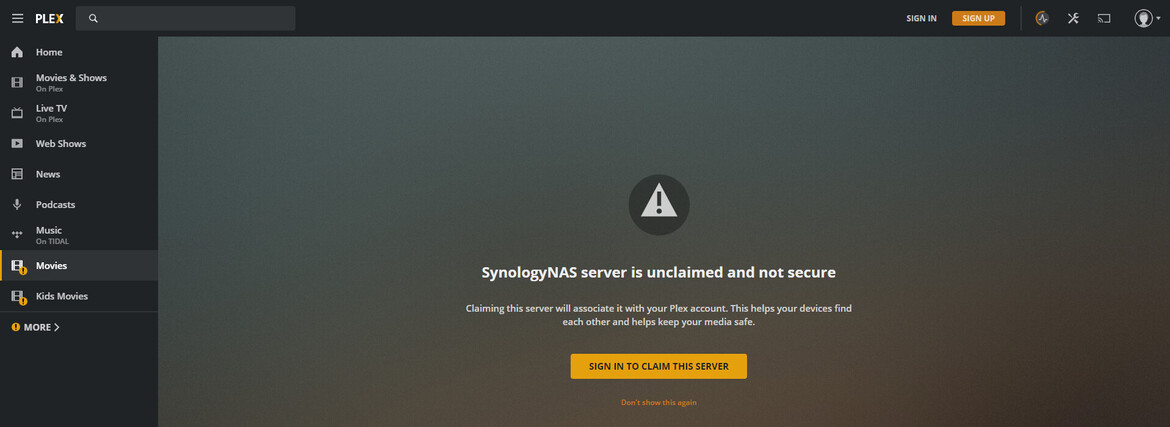
Server Version#: 1.21.1.3830-6c22540d5
Player Version#: N/A
Hi,
Sorry to repeat a common question, but I feel I have exhausted all options and cannot resolve ‘Unable to Claim the Server’ error.
Trying to run a fresh install on DS218play, and closely following the Installation & Setup Guide (Installation & Setup of Plex Media Server on Synology), I receive an error message when trying first run on ip.no.of.syno:32400, informing that problem was encountered when claiming server (screenshot attached). Using Chrome and all Cookies allowed. ClaimIt tool gave similar failure; media is visible in Library.
Logs attached, appreciate any guidance with possible solutions - hopefully something obvious I haven’t considered but not sure what else to try at this stage. Thanks in advance.
(File removed)