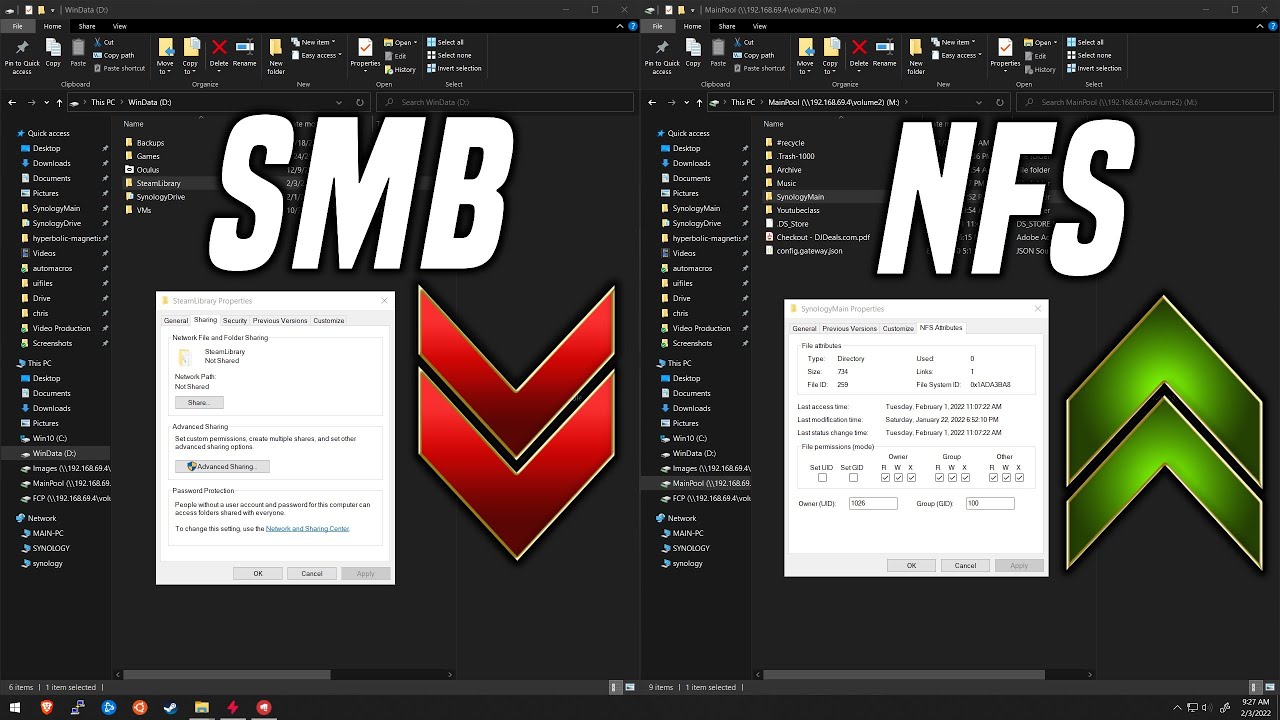
ATTENTION! If you’re having problems, try switching from SMB1 to NFS on your NAS, and prep up Windows (if that’s what you’re using) with this handy video.
This guy’s video is really great for explaining how to get NFS working on Windows 10.
The most current release of Plex is talking with my old NAS again which also can do NFS, I’ve shut down SMB1 completely and I’m no longer using it. I also notice at least to some extent, that the NAS feels a bit more quicker too, things don’t take as long to load up, so that’s a bonus.
I hope to hear some positive responses from those in the group who have given this a shot with their Windows based Plex Servers. Just follow the instructions in that guy’s video, it’s pretty straight forward.
Just wanted to add that i’m also running into this same issue, using an older NAS with SMB1, no notification was told that this would be a breakdown or i would’ve never upgraded.
Go view that video I put up, it fixed my problem with my older Netgear NAS that has SMB (and thankfully NFS too) running via a Windows 10 based Plex Server.
Even if you’re not using a Windows based Plex server, shutting down SMB1 and switching to NFS for your Linux or Mac system might just fix your problem.
Windows 10 with the latest PMS installed. Enabled NFS and rebooted based on video above and everything is working. Did not need to run via PowerShell, just enabled through windows add features.
Hi, just want to say I’ve had the same problem with PMS 1.32.0.6918 as the OP and iTrooper. I wished I’d found this post earlier as Google didn’t bring it up in time to save me from a couple of days of confusion. I was completely rebuilding my PMS after a ransomware compromise and so had significantly modified and hardened my configuration. Thus it took me a while to narrow it down. I apologise that I do not still have the logs as I deleted the Windows user profile where I had them during the troubleshooting.
Config:
PMS 1.32.0.6918 on Windows 10.0.19045 x64.
Media on NAS running SMB v1 (cannot go to v2 on this old device).
Media path is UNC but same problems found with mapped network drive.
NAS storage location does use symlinks I think (I saw this mentioned above which is interesting).
Symptoms:
PMS will not scan media or recognise new/deleted media.
Log file showed: The system call level is not correct [system:124], as above.
PMS will scan properly and update if media is on a local PC drive.
Eliminations:
This was not caused by Windows user access level.
Not caused by NAS file permission level.
Not caused by Windows firewall.
Not caused by network config.
PMS v1.31 does not exhibit this problem and works as expected.
I hope you guys can recreate this problem as I’m not sure I’m able or want to switch to NFS for the foreseeable future.
We have a fix that I sent out to a couple of users to see if it fixes their issues. I would be happy to extend that to a few more users if anyone is willing to give it a try fairly quickly and give feedback on the setup: NAS make/model smb version / virtual environment with symlinks etc…
My particular NAS is a Netgear ReadyNAS NV+ v2, thankfully switching off SMB1 and enabling NFS instead, and following that video I posted up earlier in the thread about SMB and NFS, helped get my Plex server up and running again with successful folder scanning back in action again. I am running the latest Beta version without issue now.
I can’t speak for everyone, but for myself, this definitely worked fine for me, as a matter of fact, I feel like things are bit faster now network wise, so that’s a bonus for me.
That’s great news thank you for looking into it so quickly. Afraid I can’t help with the testing as I’ve only just got it back after 10 days offline. Please keep us posted with how the beta goes.
you can easily enable SMB1 again on windows in the ‘add windows features’ window, i think eveni n windows 11.
but even then this problem remains, unless you rollback the pms version.
For everything to just stop working without pre-warning doesn’t give us a chance to find alternative methods. I will need to enable SMB1 for now or not have a working Plex. Unfortunatly I have an old ReadyNAS that has limited options, however I do have a spare Synology but moving 1.5Tb of video files takes time. An email warning us of the change in advance would have been appreciated but whats done is done I suppose.
I have to use SMB v1 due to my ReadyNAS NVX Pioneer Edition being EoL several years ago now. I played around with NFS shares but the initial connection is pretty slow as @OttoKerner discovered during their testing too. I would be keen to upgrade to latest PMS again and am happy to test your fix.