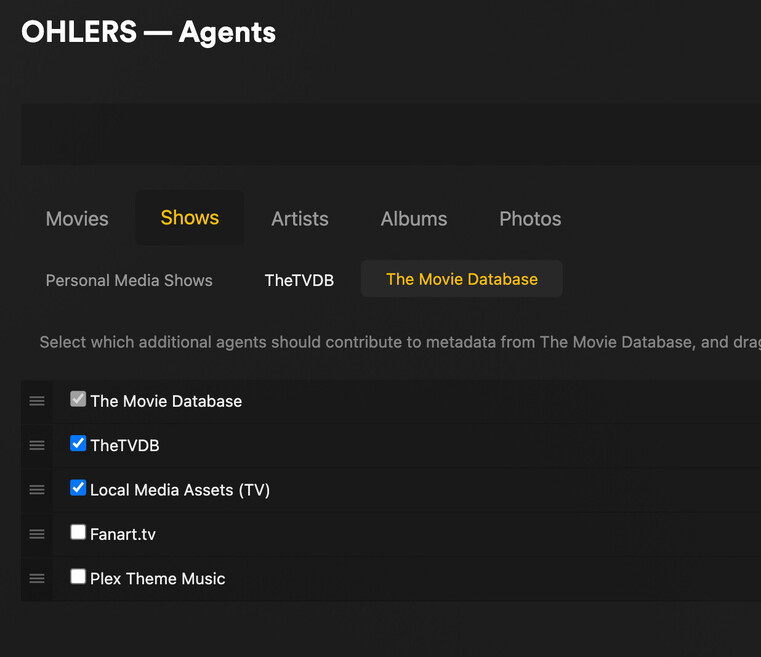
Hi. Since Plex Version 1.82.2.4024-64f483f6 new TV series in Library do not get matched, and when i try to do so manually, there is “NO Matches” and only Plex Series agent to choose from, (and the list is placed weird)
I have set TVDB and The Movie Database as highest priority Agents for the TV Shows.
1.82.2 is the version of Plex Desktop client, not Plex Media Server. The client has nothing to do with matching. The Plex Media Server version is displayed in Settings → Server_Name → General. It will be something like 1.32.x.yyyy.
Those settings have no effect when using the Plex Series agent. They are for the legacy agents. The same is true for movie libraries using the Plex Movie agent.
The settings are now per library. To modify them, Edit the library, then choose Advanced.
Thank for replying.
I have a vast library that I have collected for many many years. I know how to name series and movies, and this issue only occured a few days ago, when Plex Desktop Client auto updated.
see attached screenshots
The episodes are there, and I can opne an episode to watch, but subtitles and metadata etc. are not available.
Same issue with another series I just imported to the library.
I tried on my server using the same naming as in your screenshots. It matched immediately, including showing episode names, actor pictures, etc. It worked with episode ordering from both TMDB and TVDB.
What version of Plex Media Server and on what platform (windows/linux/etc)?
The server may be having trouble contacting plex and downloading the metadata.
Try the following:
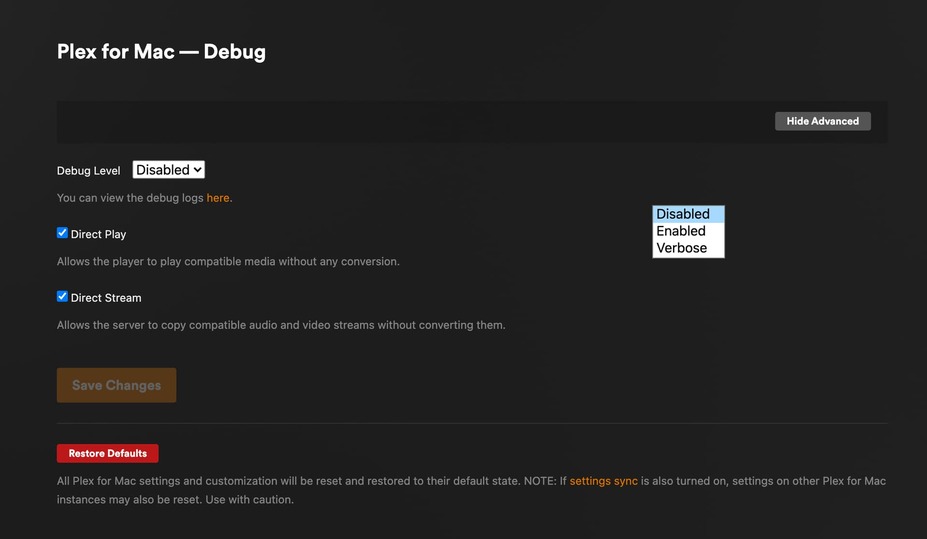
Ensure the Plex server is set for debug, not verbose, server logs.
Settings → Server_Name → General + Show Advanced.
The problem with verbose is that it is too much information. The log files can wrap very quickly and desired info can be lost.
Also, PMS must be restarted when lowering the log level. Otherwise the setting will not take effect. I’m not sure it is documented, but the restart step was added several months ago.
Also, since you’re on a DS920+…
This won’t help with Frasier, just an FYI.
Hardware accelerated transcoding has been broken on the DS920+ for quite some time. It is fixed in 1.32.8.7639, the current beta release. The beta can be downloaded from plex.tv.
There is a problem with the agents sometimes not initializing properly (see this post). It prevents Plex from correctly matching media. The workaround is to restart Plex Media Server.
The current beta was released before that post. I do not know when the next beta will be released, but it should have the fix for the problem.
Here’s a portion of the log files (Plex Media Server.4.log). You can see Plex start to match Frasier, then error out.
Nov 28, 2023 19:39:41.107 [140372648696632] DEBUG - Matching 'Frasier' (ID 128275) with agent tv.plex.agents.series
Nov 28, 2023 19:39:41.109 [140372648696632] DEBUG - Refreshing metadata for 'Frasier' (agent: tv.plex.agents.series)
Nov 28, 2023 19:39:41.109 [140372648696632] DEBUG - MetadataAgentPostProcessor: adding id 128275 to refresh queue (1 items in queue)
....
Nov 28, 2023 19:39:41.114 [140372642368312] ERROR - MetadataAgentPostProcessor: failed to find agent for identifier tv.plex.agents.series
I’m having the same issue with version 1.32.8.7639-fb6452ebf for Windows x64
Dec 19, 2023 07:49:51.851 [14284] INFO - Notification: Library scan complete - Extra information may still be downloading from the Internet
Dec 19, 2023 07:49:51.852 [10904] ERROR - MetadataAgentPostProcessor: failed to find agent for identifier tv.plex.agents.movie
Dec 19, 2023 07:49:51.864 [15844] ERROR - MetadataAgentPostProcessor: failed to find agent for identifier tv.plex.agents.movie