If I unmatch a show and remove the released dated then fix match, it gives a released date of February 7, 2036. Anything new added will get the same release date. If I manually add the date and fix match it doesn’t set to February 7, 2036. Even just doing a refresh metadata will give it that date too.
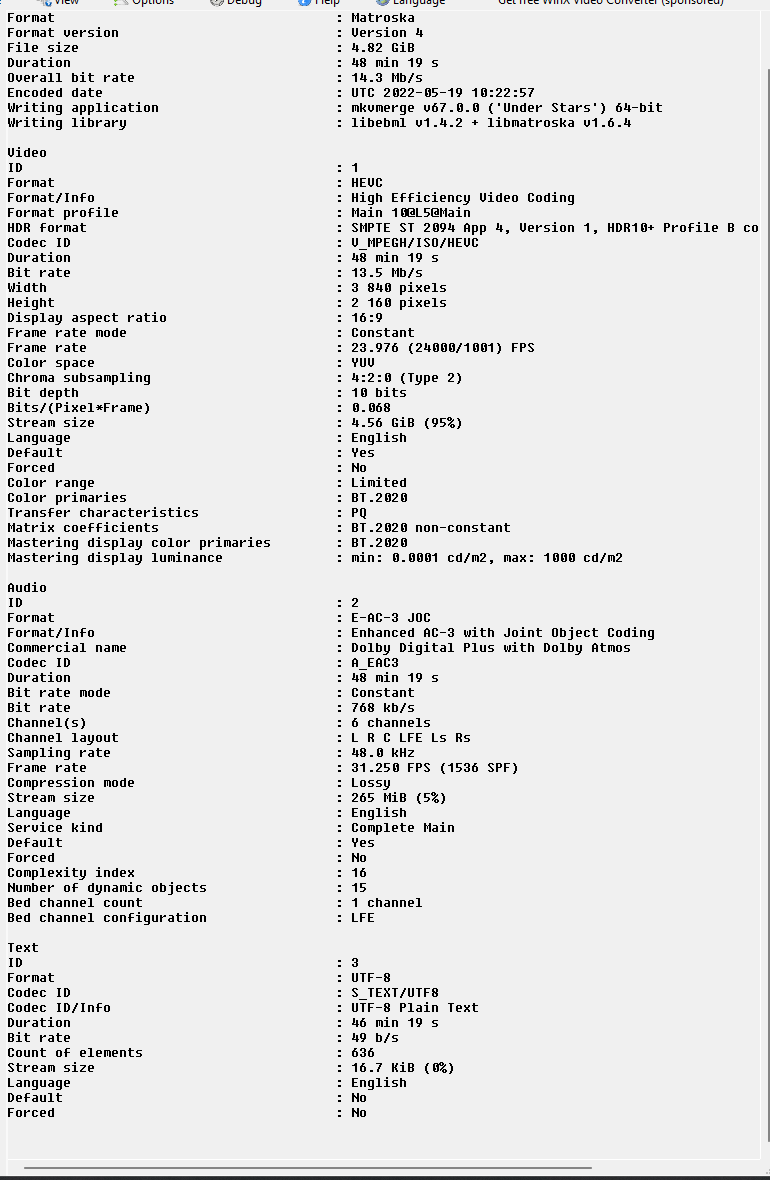
Please inspect the embedded meta tags of these files with a meta tag editor. (I recommend mp3tag)
See which tags have been populated and which value has been set.
If possible make a screenshot of the tag detail window, like this:
I wouldnt call it a bug, I would call it bad metadata. Whatever values are stored in the release fields is being miss-parsed to a date beyond the bounds of Plex’s current date/time stamp. IE a date after February 7, 2036 (which has to do with epoch timestamps and 32 bit number values)
That’s quite curious.
Plex doesn’t read many metadata from mkv files. Certainly not the release date.
So in theory, disabling “prefer local metadata” should make zero difference. Yet, apparently it does.
That being said, I have tried to reproduce this using an alpha version of PMS 1.27.0 and I failed to do so.
Do you have a large negative time zone offset on your server settings, by chance?
server.log (440.3 KB) matcher1.log (1.0 KB) matcher.log (3.4 KB)
So I checked Prefer local metadata and removed the released date from episode 9 of Halo then refreshed the metadata for the series and I ended up with
Like the last one there is no metadata on the file
I wonder if removing the whole series from your storage directory, do the Plex Dance and re add will have the desired result, since you have corrected ep 9.
I’m having the same problem. It started around a week ago. I’ve tried unchecking Prefer Local metadata and doing the dance and it still puts a bad date in the released field (in my case for TV shows). All new files added get 01-01-1900 as the released date.
What I mean with negative time zone offset is e.g. “UTC-5”
Which means if your server is in the U.S. for instance, then you do have a negative time zone offset.
My server is UTC-5. I think this started around the time 1.26.2.5797 was installed. I haven’t had time to test downgrading a version to prove that theory though.
Ok, I just went back into the Library and noticed the Prefer local metadata was checked again (It was unchecked on Movies, so maybe I forgot to do it for TV Shows). I rescanned a show and that updated the date to the correct released date.
Its the PlexTVSeries scraper that is broken, this issue has persisted for the last 8 months since 1.24.5.
it is reproduceable 100% of the time on 1.24.5 to 1.25.9, it was fixed on 1.26.0, and thats the version I’m on, so cant confirm its there on 1.26.2 like the OP.
It’s not 1 file or metadata thats affected, its EVERY SINGLE EPISODE (including old episodes) that were added on those servers.
Right now, I have zero issues, but if I roll back my server to 1.24.5 (which I have to do to fix hardware transcoding in the new player remuxer), quite literally 100% of the new episodes I have will show up just as OPs as 1900-01-0.