@yortdog, I just discovered a handful of albums from TIDAL that I previously wasn’t able to play because of Error code: s1001 (Network) are now playable in Plex.
awesome. I only have a few albums that throw that error & I check back frequently, but no dice thus far. Glad to know some progress has been made, though. I’ll keep checking back.
Weird. They’re pretty unrelated albums, but I guess it’s just a coincidence. I was hoping maybe something had changed!
And I just discovered 3 Billie Holiday albums that won’t play and fail with Error code: s1001 (Network). Ugh. This is getting old.
I’ve stumbled upon something.
I was trying to find a specific Elvis Presley album this morning, and it didn’t show when browsing his artist page on TIDAL in Plex.
You’ll notice the album “Elvis Presley” is not to be found when browsing all available albums by chronological order.

However, if I search for it, you can see it appears in the search results.

I happened to notice a few other discrepancies between what appears on the artist page and when manually searching, so I decided to try something with the Billie Holiday albums I was trying to listen to last night.
So, here are a selection of albums from her TIDAL artist page. I’m interested in “Lady in Satin.”
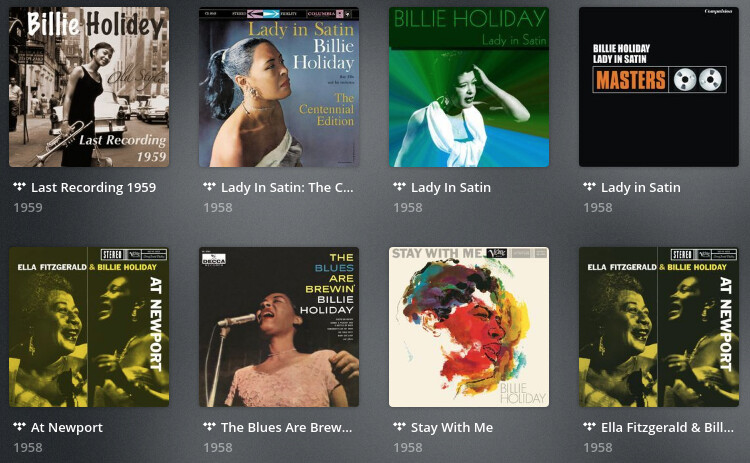
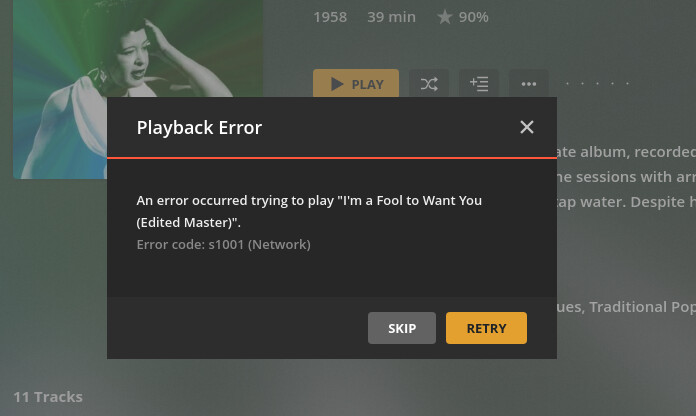
However, when you try to play any track from that album (or any version of it), it fails.
So, let’s try something else; let’s try searching for the album manually in Plex. You can see we get 3 results, and they’re somewhat different than what was on the artist page.
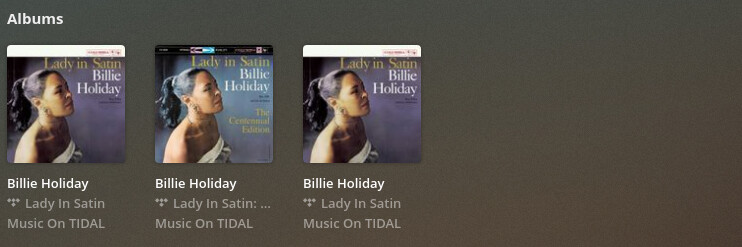
If I pick the first album and try to play a song, it results in a SUCCESS!

In fact, all of them work.
Also, it appears this is how you discover all versions of something on TIDAL. When Taylor Swift’s “folklore” was released, I was stuck with the clean version of the album. That still appears to be the case if you find that album from her artist page. If you manually search for the album, you’ll get multiple results. Some appear to be identical, but one of them is the explicit version and one is the clean version.
It would appear there can be (and are) possible issues with how Plex is displaying and linking information from TIDAL. Clearly there are still some issues with missing track which are probably related to licensing issues in some cases, but it’d be interested to know if this helps any of those that are having issues playing specific albums.
@Noah0504: Thanks for posting. You’ve put in some serious leg work here. I’m working on duplicating the Billie Holiday issue (dang..wish there was a test with an artist with less than 500 albums! WOW! New respect … had no idea she had that many records). My results were ultimately the same, but when I played this record from the Tidal artist search screen, I didn’t get the error, but it wouldn’t play either (timer stayed on 0:00/3:28)

But, to be fair, that album (exact version & cover) does not appear in Tidal proper:
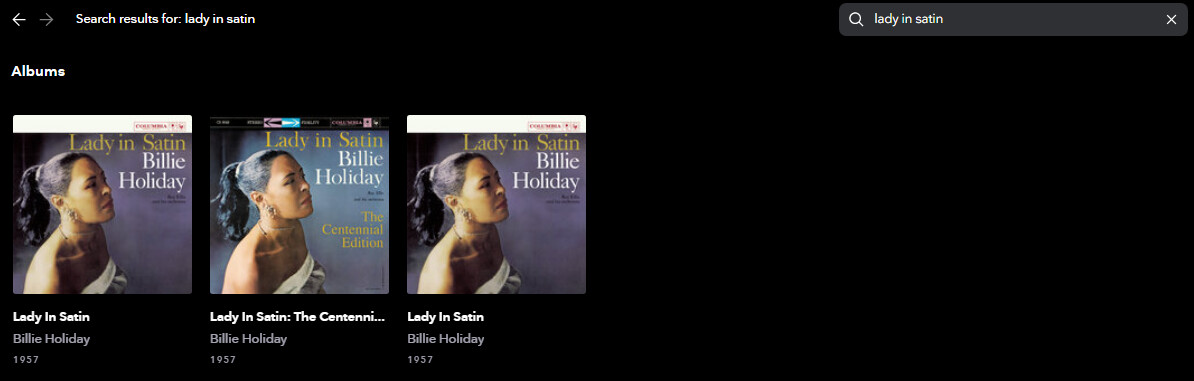
In fact, Tidal only shows me 24 albums by that artist in on the Tidal web browser, but the Plex search shows 518 albums.  same for you? I’m in the US, if that matters.

But I was able to partially duplicate your results on another artist I dig:
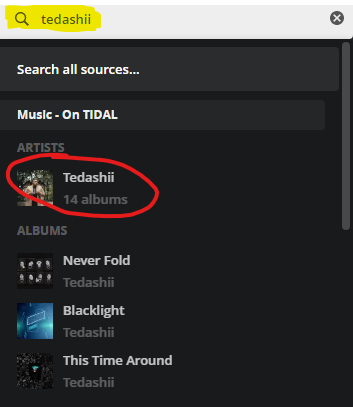
Searching for the artist “Tedashii” in the Plex search box:
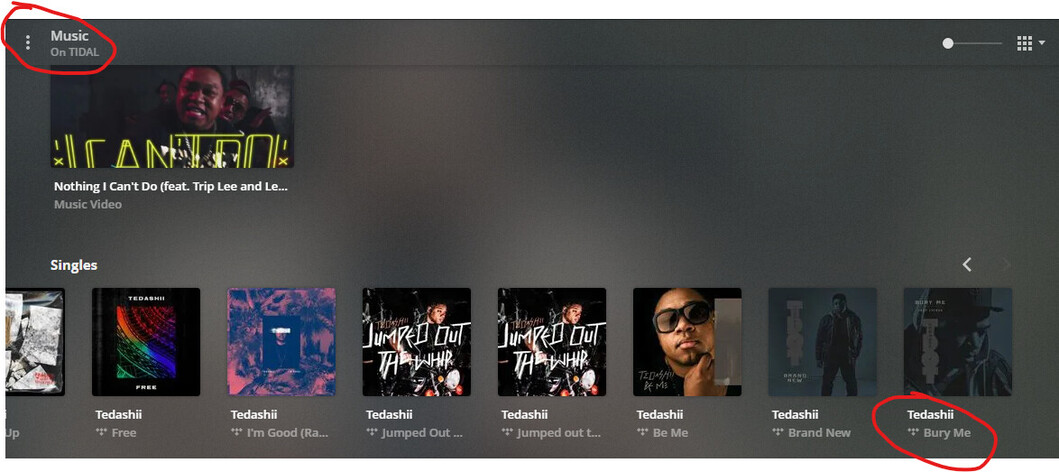
Scrolling down to singles, clicking into this one:
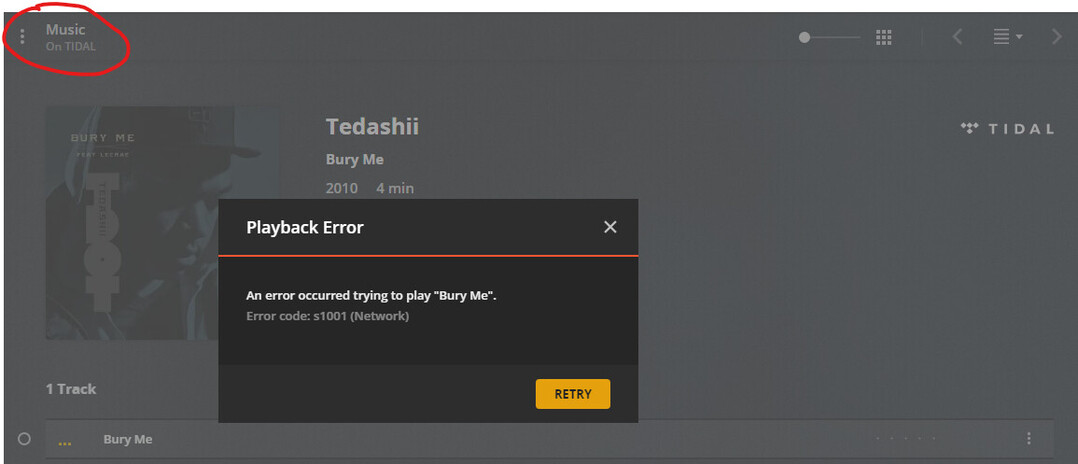
Hitting play on track 1, I get the s1001 Network error:
But, searching for artist and single name:

Clicking into this single directly (which looks identical to the screen above, coming from the artist–> single screens):
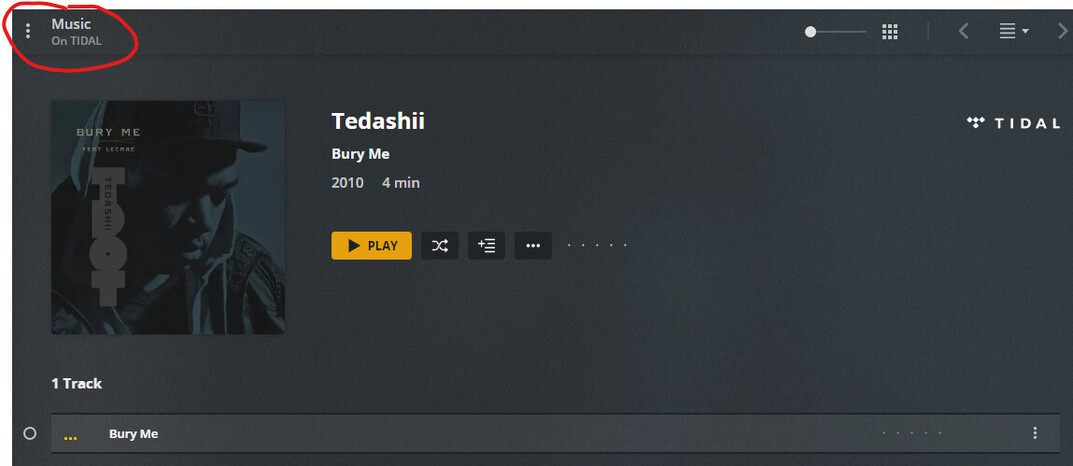
Plays fine

?? I’m puzzled. Are we getting punk’d?? 
Then if I add this playable version to my Plex library, it will play directly from my “yortdog” music library as expected.
Bottom line: it does look like the playability of an album/track is based on how you approach the initial search. THANK YOU for pointing this out … I was able to recover a few more titles that I assumed were no longer available to me, just by using a different search method.
I’m not dedicated enough to create an on-line chart of what songs/albums can’t be played in Plex (aka throw the s1001 network error) when playable in Tidal proper, but that’s probably the only way to quantify the issue. But it stinks because it seems like some of my issues get fixed sporadically on their own. Plex is one big riddle to me. Love 'em anyway, I guess.
Yes, which I believe is the actual problem; Plex is trying to play an album from TIDAL that doesn’t exist!
Yes! I have no idea what that is about! Elvis provides similar results. Way more albums listed in Plex than TIDAL (although, TIDAL does some album separation between studio, live, compilation, etc.).
Another example would be Neil Young. His new-old album “Homegrown” was pulled from TIDAL, but still appears under his artist page in Plex. It won’t play, and if you search for it manually, you won’t find it. His artist page shows two versions of the album “Harvest,” but only one is playable. If you search for the album, you’ll only get one result, and that matches exactly to what shows on the TIDAL website.
I’m not sure how Plex generates the artist pages, but I would have to think some of it must be cached. It appears that searches give live results. Not sure if this thread is still being followed, but perhaps @OttoKerner can help us out with that.
@yortdog, thanks for taking the time to duplicate the issue! Maybe we’ll see some changes in the future. If not, at least there appears to be a workaround.
I am using TIDAL via Plexamp on my PC (PMS/Ubuntu), and I can confirm that something about search results seems to be relevant to whether a track or album will play. I wanted to play albums by the band “The F*cking Champs” (apologies for the profanity); here’s what happened:
-
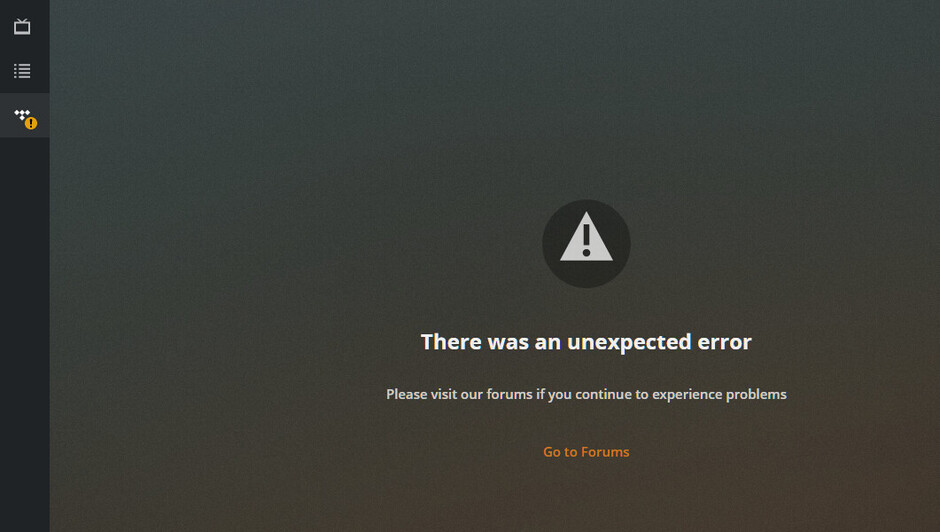
When I search for the band, open the artist page, then click on their album “IV” to launch the player, playback fails (seen here):
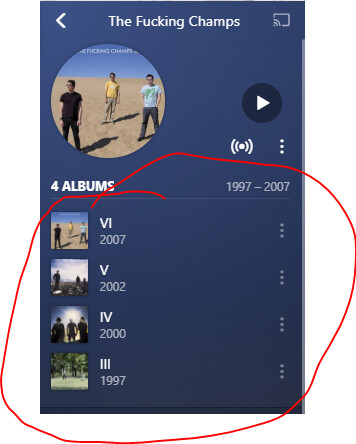
-
If I go back to the search page, which lists the same album (see below), the album plays without issue when I click on it:

I opened PlexWeb to see if I could replicate this issue, and I did observe the same issue; the PlexWeb player throws “Error code: s1001 (Network)” when I try to open this album from the ARTIST page, but it works fine from the SEARCH RESULTS page.
Is it possible that the issue is specific to trying to play the album from the TIDAL ARTIST page? This doesn’t seem to affect all albums, but it seems to affect some artists/albums pretty consistently.
I have no idea how artist pages are generated/cached, but I know albums that no longer exist in TIDAL will still appear on an artist page. It’s this “linking” that is being broken, whether through removal or updates on TIDAL’s end. Searching appears to give actual live results, which is why those work.
Yeah, the artist page definitely seems to link to a version of the album that doesn’t exist, though I’m my case the album definitely does still exist on TIDAL (just at a different URL than the artist page expects/has cached).
If TIDAL is simply changing URLs and an old URL is cached, I wonder if there is a way that Plex can force a refresh somehow…
That said, I have a feeling it’s not nearly that simple. Streaming music services are a morass of varying DRM agreements that have many different requirements in different countries. I have a feeling that this issue is tied up in DRM issues (just a hunch, I have no actual direct knowledge of what is happening). All I can say is that, in if there is a fix possible on the Plex side, it works be greatly appreciated.
