nx6
September 9, 2025, 1:02am
1
Server Version#: 1.41.6.9685
I reset my password and signed out all devices like your email said to do, and now I can’t get my server back. I can log in on the local IP webapp, but it’s only showing the Plex-provided content, my server is not listed at all.
This is the entirety of my Settings sidebar.
I was watching the server, before I did this reset. It was working fine.
What do I do now?
robin58
September 9, 2025, 1:04am
2
Reclaim it, restart it. Rinse repeat until it works. And then discover you lost all your settings and menu preferences.
nx6
September 9, 2025, 1:05am
3
Reclaim how? The server is not listed at all. There is no “reclaim” button. I’m already logged on the local IP and app.plex.tv. There is nothing else to log into here.
SE56
September 9, 2025, 1:07am
4
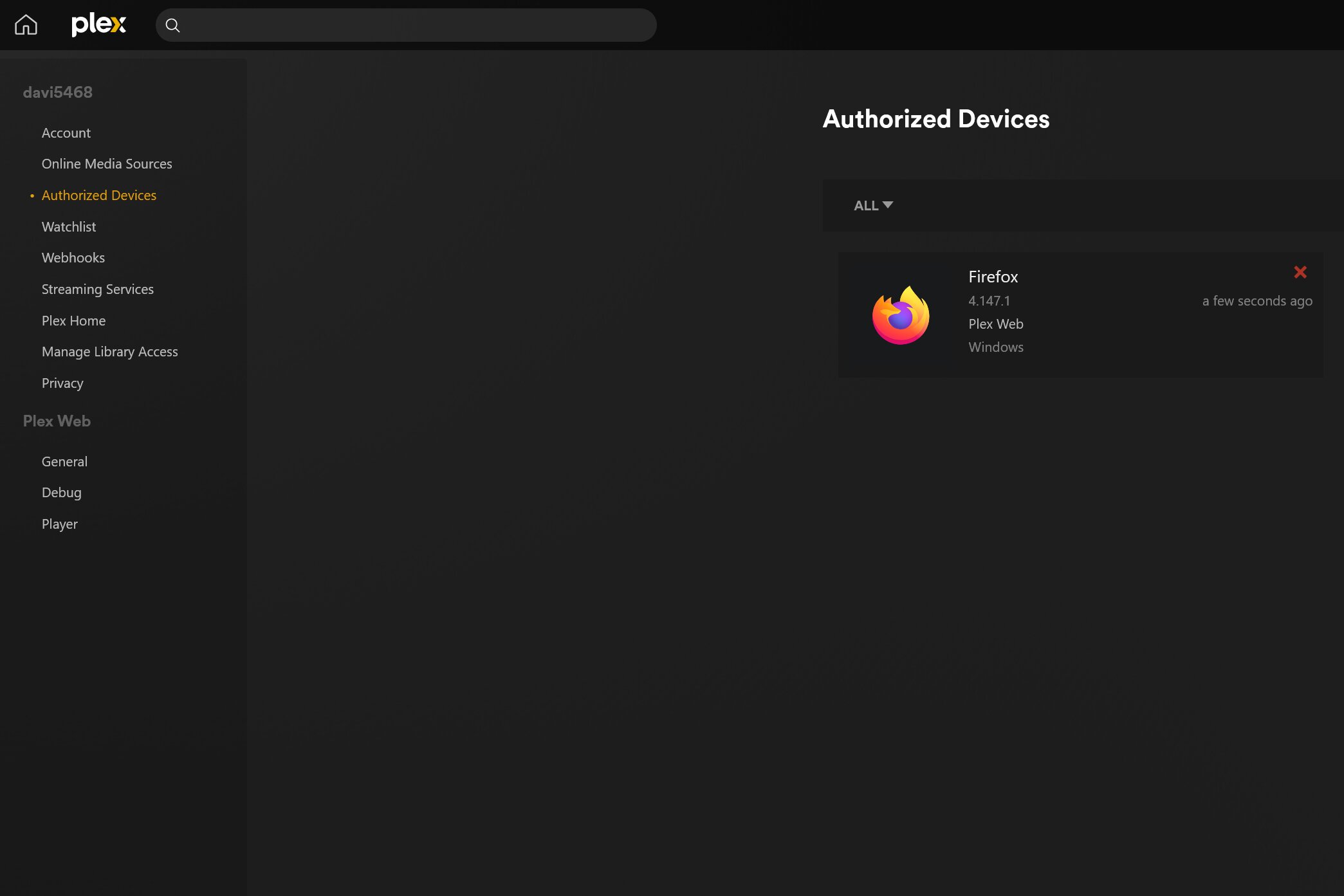
All I did is trash the Authorised device Tile Server. Bingo
nx6
September 9, 2025, 1:09am
5
It’s funny you mention that. This is the second time they have sent an email asking us all to reset our passwords and tell the system to log out all devices. And when I do the devices don’t get logged out. The tiles are all still there.
Anyway, I did do that (removed the server tile).
Same here. Exact behavior. I am using Plex Media Server on Linux Ubuntu, version 4.147.1
After resetting the password per the email instructions from a few hours ago, the server is lost and it does not appear on the list as shown above.
I followed these steps to remove the server association.
First look for the server settings file at:
https://support.plex.tv/articles/202915258-where-is-the-plex-media-server-data-directory-located/
Then I followed these instructions:
https://support.plex.tv/articles/204281528-why-am-i-locked-out-of-server-settings-and-how-do-i-get-in/
I logged off from the server IP web server at port 32400 (default) and it still does not appear.
@SE56 where is this Authorized device Tile server?
I am connecting to the server using Windows as OS and Firefox as browser. I connect to the Linux server over its IP and port using also Firefox.
Please advice
SE56
September 9, 2025, 1:10am
7
You will to need login to everything.
Settings you will find Authorised Devices
nx6
September 9, 2025, 1:11am
8
I know I will have to log back into everything. Quite a hassle. But that really doesn’t matter until the server itself can be reclaimed.
SE56
September 9, 2025, 1:12am
9
Settings / authorised devices
I agree similar to you @nx6 I cannot see the server at all on the server web UI:
I’ve rebooted the server a couple of times for good measure with no change at all…
SE56
September 9, 2025, 1:14am
11
You must then quit Plex and Login
nx6
September 9, 2025, 1:15am
12
Mine’s empty now (except the browser I’m on).
I removed it from there also. It still does not appear on the UI.
I’ve logged out of the server and rebooted it just to see if that changes something…
BRB
nx6
September 9, 2025, 1:18am
15
I’ve done multiple stops and restarts of the Plex server, at this point I am doing a reboot of the entire box.
Unfortunately, that did not do the trick.
I have logged in again to the Plex Server at the Linux host using its IP. It asks for authentication which I provided.
I’ve removed everything, just the browser I am at:
There is no server to add
pshanew
September 9, 2025, 1:22am
17
While I understand you’re on the same network when attempting to log in, try the steps outlined in this article, in the “On a Different Network” section:
https://support.plex.tv/articles/200288586-installation/#toc-2 ssh -L 8888:127.0.0.1:32400 username@ip.address.of.server
Attempting to sign-in from 127.0.0.1 triggers a claim, if the server is unclaimed. Or at least it should.
It worked for me on my FreeBSD 14-STABLE server.
Edit: Corrections so that others seeing this will have correct commands.
OK. I will make the SSH tunnel right now.
Let me see if that works.
BRB
Yes, that indeed did the trick. This connect to localhost triggers indeed the registration/claim process which solves the issue.
Just some quick corrections on the instructions you sent:
ssh -L 8888:127.0.0.1:32400 ip.address.of.server8888 /web’
Because you setup the tunnel on your computer at the port 8888 which will connect to the 32400 port of the REMOTE server.
Also, your username may not be the default as the remote Linux/SSH server, so I would place something like:
ssh -L 8888:127.0.0.1:32400 username@ip.address.of.server
Where username is a valid user on the remote server. You will be required to authenticate.
Then as mentioned, browse to:
127.0.0.1:8888/web
Login, claim the server and done!
Thanks a lot @pshanew
pshanew
September 9, 2025, 1:33am
20
Yep, indeed a typo on my part. Corrected, thanks for catching that!