Also, with the new fix for the recent issue with all the recordings, Night Court is again messed up, and the New show on NBC, is being listed as the old show, and mixing together with reruns.
I see that there has been a “fix” for the No Upcoming airings issue. But unfortunately this is still affecting me. I’ve just done a complete reinstall and setup the dvr again. After a system reboot it just fails again.
Could you browse the xml and see if you spot the ones relating to your screenshot and other screenshot you sent me by PM and identify them for me - together with channel number ./ name and airing date
Are you saying the DVR schedule is ok until you reboot when it disappears ? or you get no upcoming airings ?
Please let me have country / zip code / lineup - guide name/ channel number / channel name / airing dates/times /shows and debug server logs covering the sequence of DVR Setup, setup scheduling recordings and then it goes wrong and also please indicate what goes wrong
If EPG refresh is not working, please run with debug logging enabled on the server and capture server logs and upload the zip here after the refresh fails
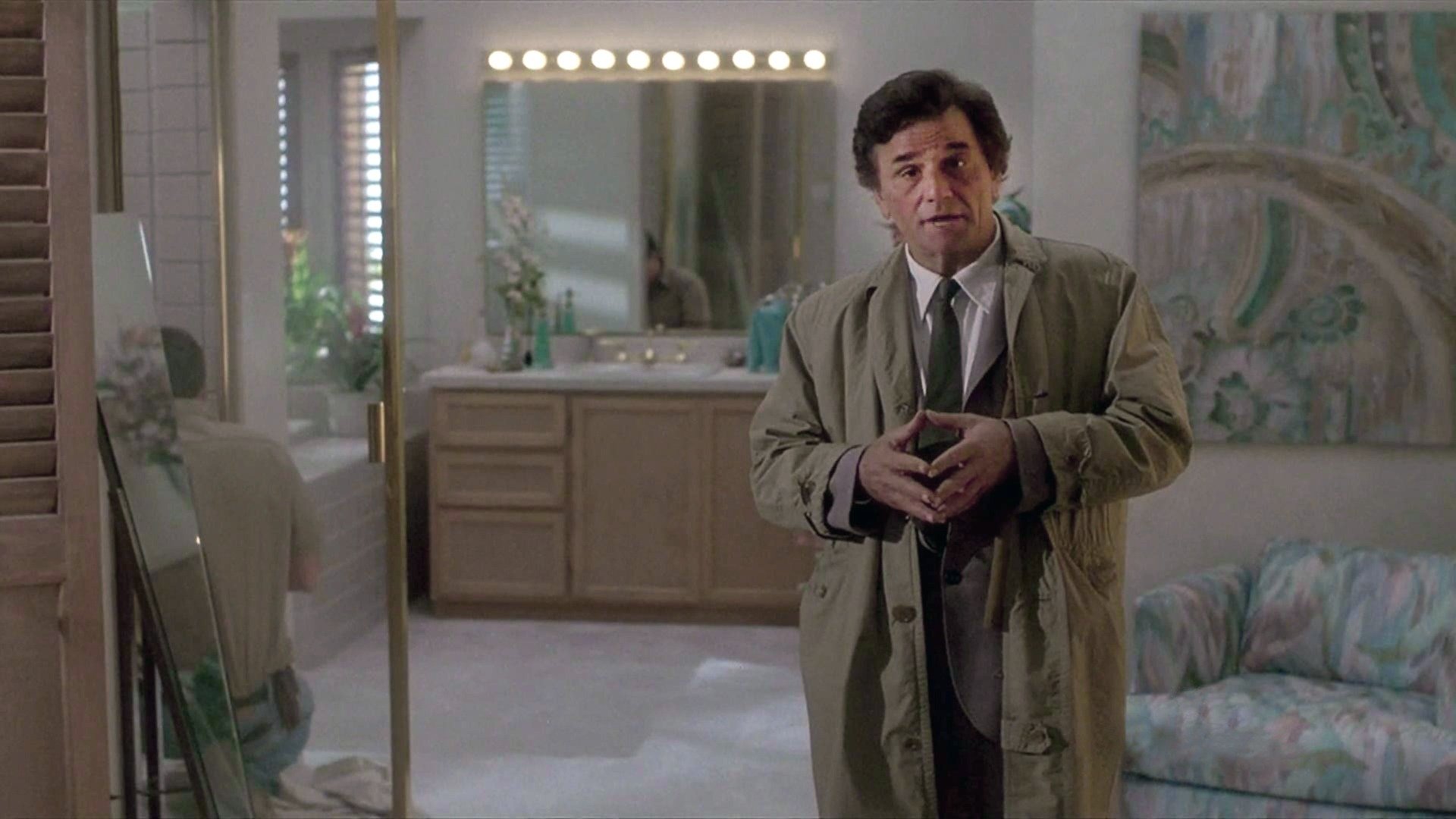
The Twilight Zone now has the thumbnail, although I don’t think I did anything to it it just appeared overnight. I was still missing the thumbnail for a scheduled recording for Columbo and just recreated that and today and it was the same.
The ones I am missing them for currently are Columbo, Father Ted, Tales of the Unexpected, and Castle.
I’m not sure if I am yet again having issues with the TV Guide/DVR, however a recording that I have set for every weekday just randomly decided to fail.
The error simply says Airing was not on the required channel. Nothing indicates that this error message makes any sense?
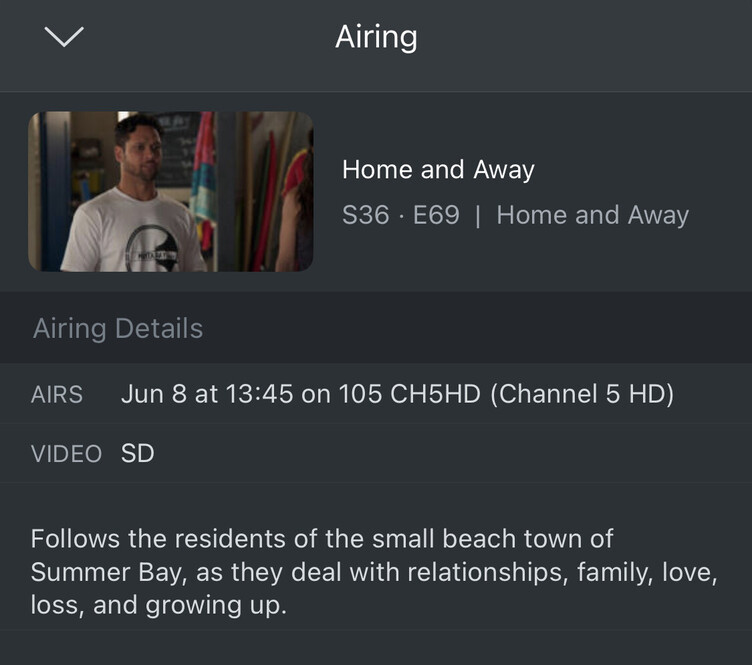
Am I missing something? I have the recording set to 105 (CH5HD on Freesat UK), rest of the weeks same recordings are showing as normal. No idea what happened
Edit: I found this for tomorrow’s recording, stating the video format is SD. Where does it get that information from?
Many thanks for the debug server logs and the browser dev console .har files for the tests with the bundled Plex Web app and the hosted Plex Web app
There appears to be a problem with request headers and CORS as you discovered this error on some requests blocked by CORS policy: No 'Access-Control-Allow-Origin' header is present on the requested resource
I will be discussing this with the Plex Web development team