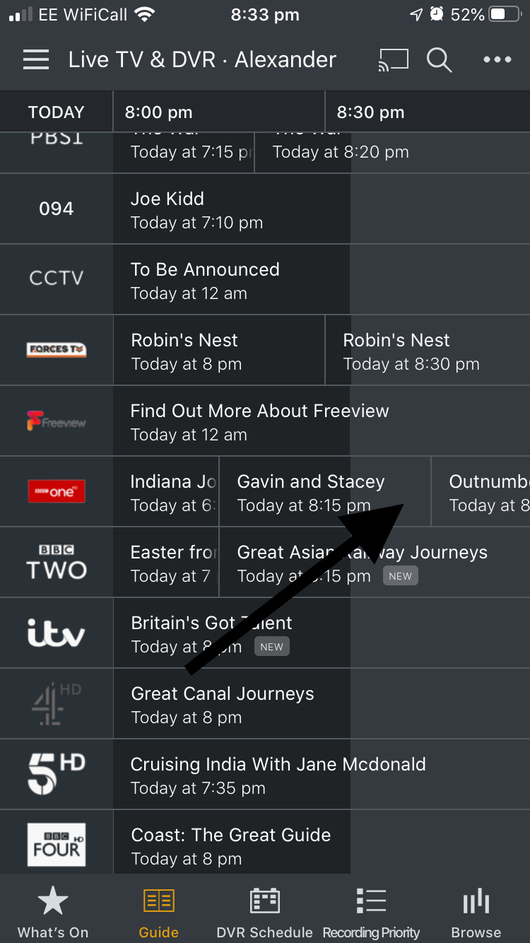
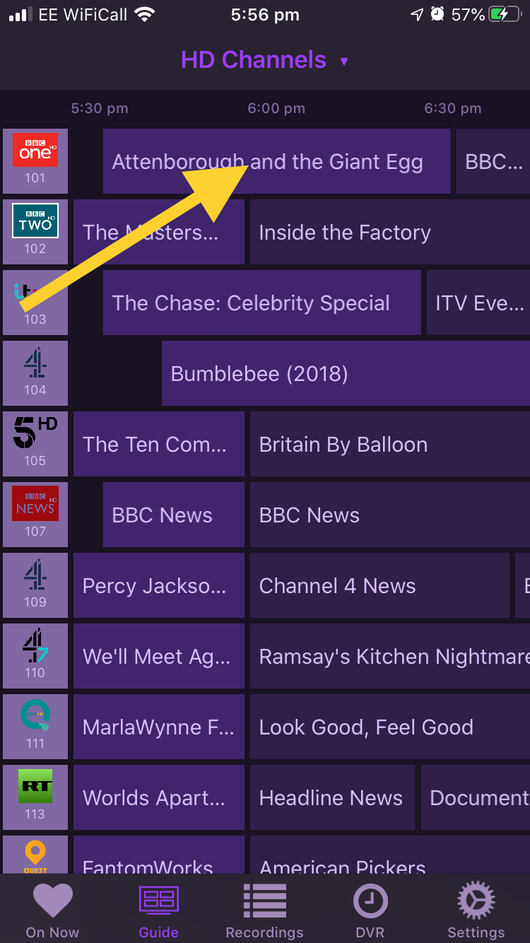
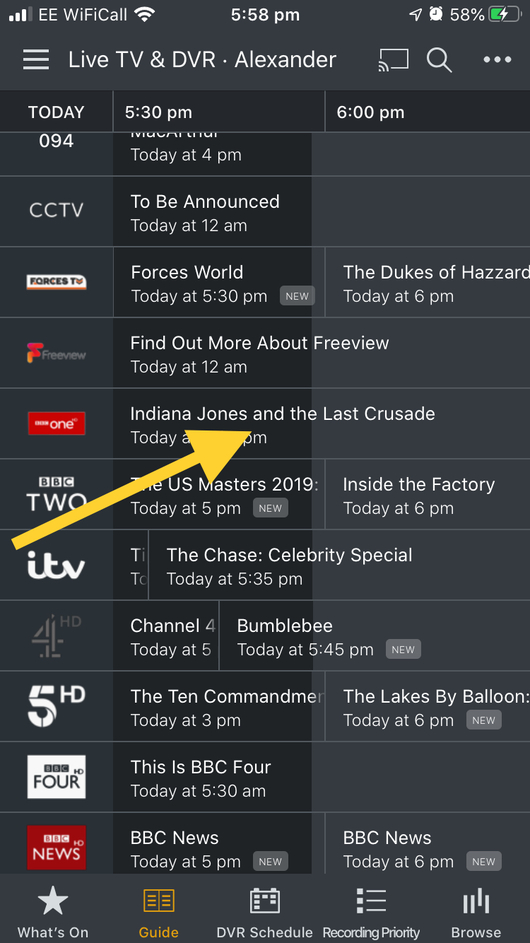
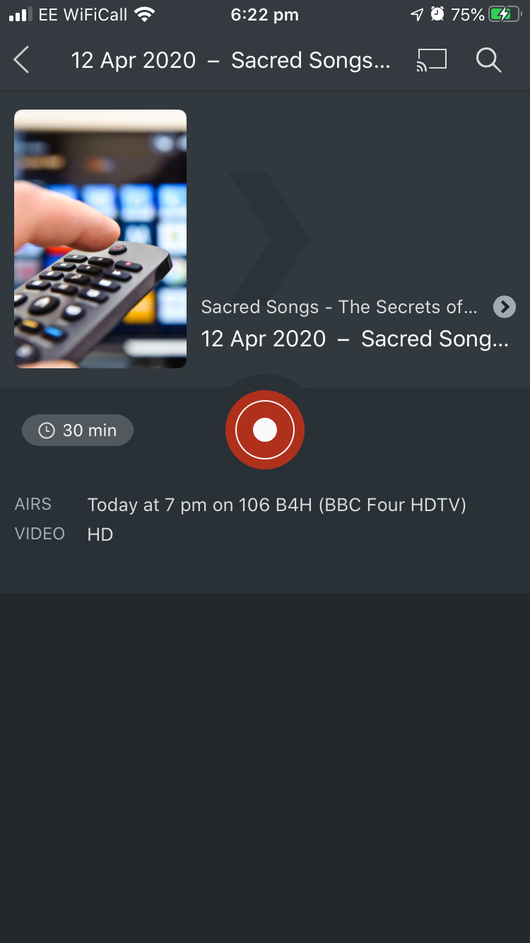
So looks like my 3 Mygica tuners will not pick up HD channels with Plex.
So I have to decide whether to stick with tvheadend and Kodi or by a Homerun Quattro.
The comments on the EPG are not very favourable on this website, but I don’t know the history around the problems with the change of EPG provider.
Thanks for your help everyone who took time to chip in…
I’ll have a think.
Just to mention that I also had exactly the same problem when I tried Plex on Ubuntu with the same hardware that I’m using now.
I have the Hauppage WinTV Quad HD card, but it too didn’t pick up the HD channels, despite following all the relevant instructions for getting the European driver package for Linux.
It worked perfectly when using Windows Server 2012 R2 and the BDA add on.
Just mentioning in case you want - and are able - to try that first before buying a new device.
Thanks for the information.
So are you still using the Windows version with Plex?
I’m currently running tvheadend on a raspberry pi with libreelec, up in the attic. Don’t really want a Windows machine up there🙂
Hmm. Yes, never mind! Although you could install Win10 IoT on a Raspberry Pi, I’m not sure I’d want to!
Still using Windows with Plex on a HP Microserver. I struggled to get Ubuntu working and gave up when I couldn’t get DVB-T2 channels to show up, whereas Windows was relatively easy and all channels are present and correct.
That’s it, I’ve had enough of this pish - tried to start watching Peston on STV HD 15 mins into the recording, except for some unknown reason IT WASN’T RECORDING this week - even though it says it SHOULD be.
Stuff this, Plex DVR is UNFIT FOR PURPOSE.
I’ll put my cash into Channels by the look of it.
And every time I come across Plex DVR in a forum post I will offer my experience.
Total waste of my time this last few months, and lets face it - life is too short to be bothered whether I have to micro manage a DVR!
You can not rely on the Plex guide, it is hopeless and just not fit for purpose, you will have failure after failure to record.
The Quatro tuner is brilliant though. I’ve written my own PVR software to work with the Quatro tuner to resolve all the Plex issues, with recordings just dropped into a folder Plex has in it’s library for playback only (although now using Kodi to play the files). This uses the over-the-air guide, works properly using the Freeview series link data, and supports accurate recording, i.e. All the late changes in the schedule recently due to over-running news etc have resulted in not a single missed or truncated recording as the start time is adjusted automatically.
If anyone is interested in this software drop me a message, it is Windows only though.
Outnumbered has been move around in the schedule and had its serious link data changed so will have caused missed recordings for many on Freeview up and down the UK.
Plex was right at one point but now is showing outdated Guide data as Plex often fails to keep up with last minute guide changes. Channels is using other data (possibly the OTA data) so is up to date and shows it in the correct spot.
I’m also having this issue, I have a Hauppage WinTV-DualHD connected into a Western DIgital NAS. It is picking up the Standard definition channels with no issue but flat out won’t pick up HD! Minor gripe but it is irritating.
Do you already have some episodes in your library?
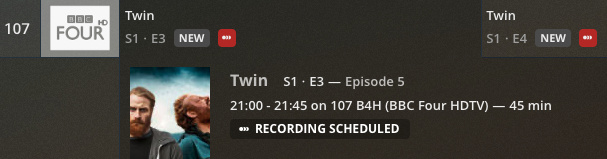
Looks like a mix up with episode numbers, Freeview EPG & Schedules direct have these down as S1 E5 & E6
BBC website has them as Episodes 3 & 4
Plex has them also as Episodes 3 & 4, but the episode description has Episode 5/6
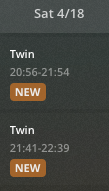
Well spotted - yes, I do have episodes 1-4 already recorded; BBC will broadcast episodes 5 & 6 this SAT. By moving episodes 3 & 4 out of the Plex library and switching to New and Repeat Episodes they next episodes are now appearing in the DVR schedule.
Question: why are you guys still trying to see if Plex will get its UK (and any other EU for that matter) EPG fixed ?
I know we paid for the product so you expect it to work, but i think it’s clear it’s not gonna happen with current provider.
Spanish EPG is completely unworkable in Plex so that kind of forced me., but I create my own XMLTV file with WebGrab++, took half a day to set up (mostly because i was a newbie in the whole EPG/XMLTV) but at least i’m not getting upset anymore.
Neighbours recorded today but back to the old issue of the date being wrong. Down as 6th April for the one recorded today, despite Monday’s one correctly having 13th April date.
I thought it was meant to be original airing on that channel, not ever/anywhere? Regardless they shouldn’t be chopping and changing. @sa2000 what’s the official line from your provider on this recurring issue?