It was already set to 15 minutes: the error was shown after about 30sec to a minute: can it still be this setting?
If it specifically called for you to log in again–
- It’s either the timer
- A DSM 7 bug (not unthinkable in this initial release for something so minor)
I might have resolved / worked around it by:
- Set timer
- Log out and back in
- Now do my work
Synology running fine. I rebooted it and checked from multiple clients/platforms and get the same behavior. Any logs I can send you that might point to a specific problem?
Thanks!
That’s one we’ll have to work into a specific sequence and write up for Engineering.
It’s definitely a “General PMS” issue.
Would do it this way for me?
- DEBUG logging on, VERBOSE logging OFF.
- Start playback, let it run long enough (6-7 minutes) so it registers.
- Stop the playback
- Close the browser tab
- Now come back into it and check Continue Watching / recreate with screenshot if necessary.
- Now capture the logs and attach here please.
Will do. Tonight/tomorrow I’m working on getting things organized in my Media folders with Filebot and I’m pretty sure PMS will be busy scanning and processing the changes. I’ve bookmarked the thread and will be back soon.
Thanks!
I have this modified version installed, and everything has been working great. I just have an update question. When Plex offers me an updated version, can I install the one it shows within Plex, or do I need to come here and grab the updated package that you’re posting at the top? I’m concerned that what it’s offering me within Plex is not the modified version.
Packaging 2.0 –
Do not install anything offered by Plex until I give the OK.
I am expecting PMS 1.24.2 to contain the new packaging.
PLEASE wait for me to confirm before installing.
2 Likes
I was using this forum preview since the previous version. Now (after seeing the update offer), I updated to PlexMediaServer 1.24.1.4931 using the version provided in the 2nd post of this thread
Everything went ok and the updated version is running smoothly.
One additional question:
I’m moving to a new Synology NAS. My plan is to simply swap disks. I would however need a different PMS version since the processor is not the same.
Shoul I uninstall the current version first (keeping the data) or simply overwrite with the existing PMS installation?
Chuck,
I recreated the issue and have logs and screenshots attached.Plex Logs.zip (2.5 MB)
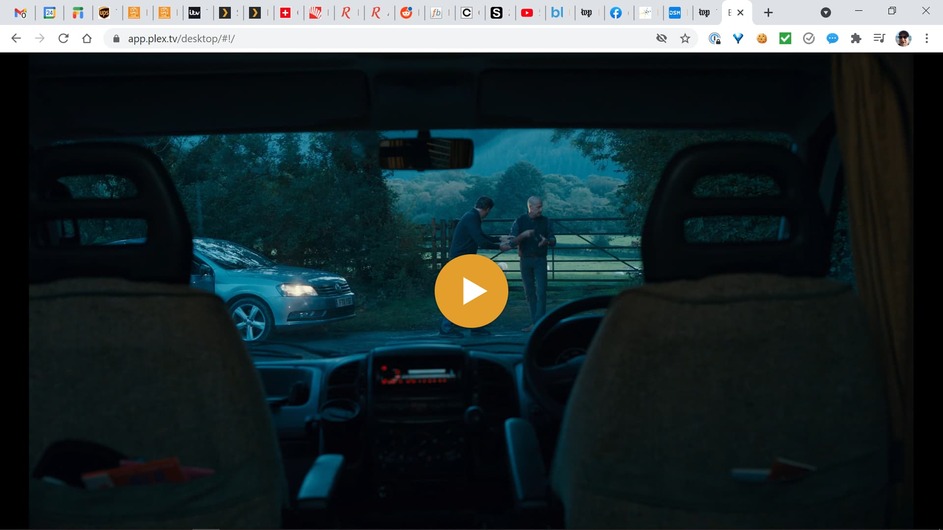
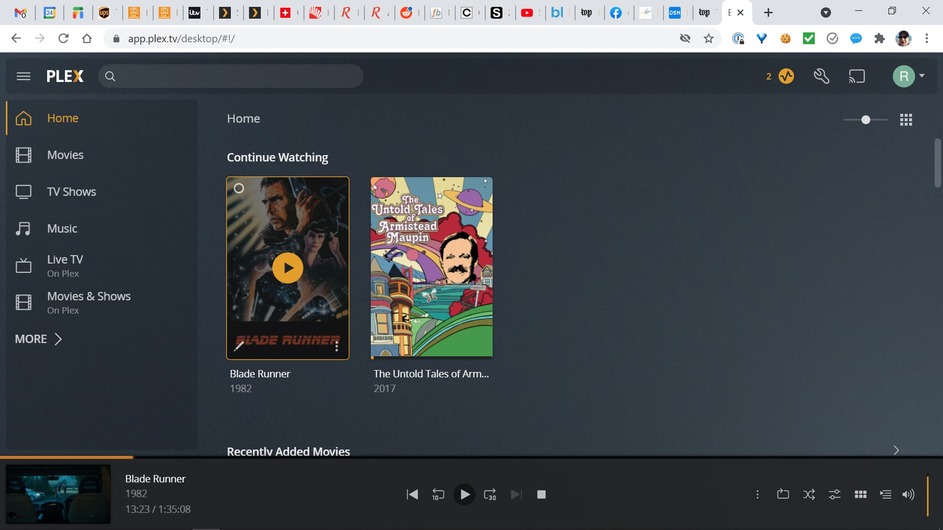
Thanks!
Robert
Would you mind waiting until all the scanner updating is done?
I went through 3 different logs and couldn’t piece it all together.
It would be a great deal easier, if you can help, to have an uncluttered form.
Chuck,
Oh sure, not a problem. I think it’s been going on for days and days but there’s no huge hurry to solve this and I have a lot of music. I didn’t realize it was still going on since the CPU had gone back to normal range.
Thanks & I will get back to you in a few days.
Robert
Chuck,
I just tried this again and now it occurs to me that maybe I’m misunderstanding the expected behavior when I click on one of the movies under Continue Watching. What happens when I click the > arrow on the movie box is that nothing happens except the movie clicked on is now at the bottom of the screen but is not playing:
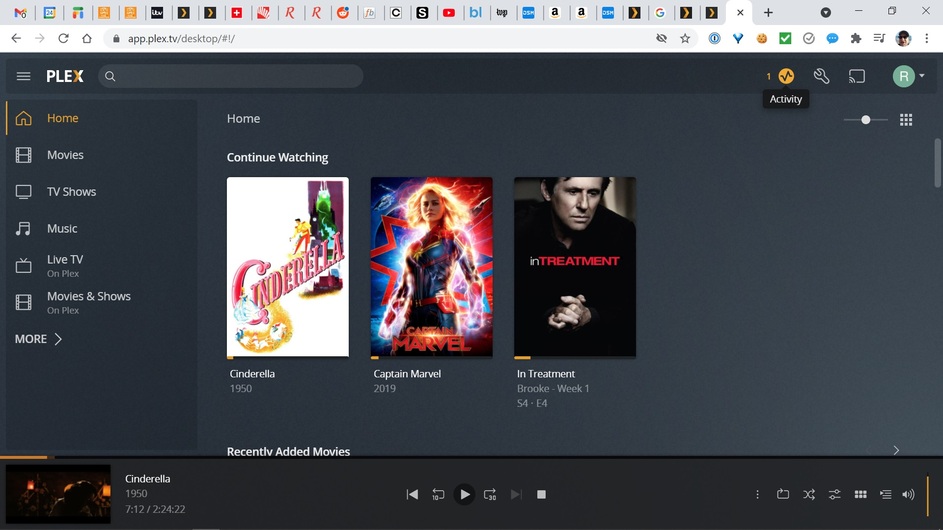
Now if I click on the > button at the bottom of the screen it starts playing in the tiny window in the lower right hand corner:
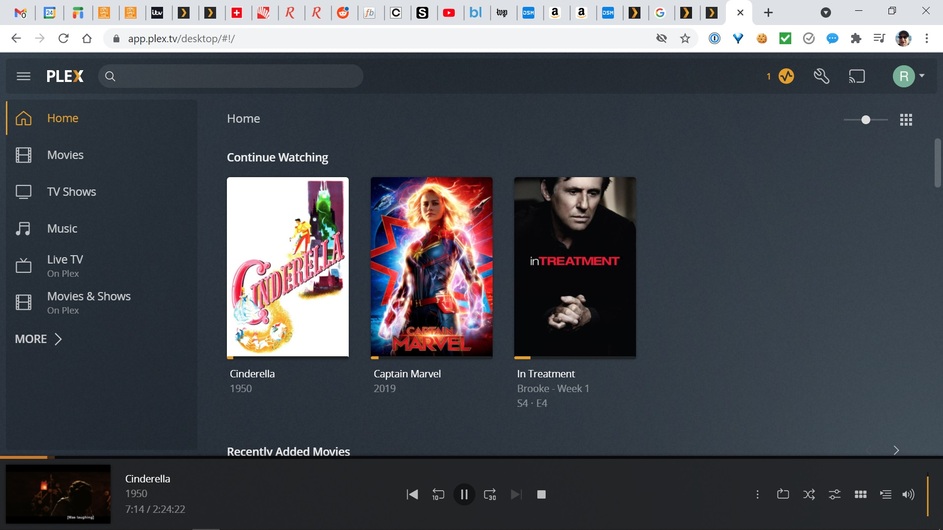
I need to click again in the tiny window in the lower right corner to make it full screen. Is this just the expected behavior? I was expecting that if I clicked on the movie box under Continue Watching that it would open up to the full screen view of the clicked movie restarting at the last played second.
So maybe there’s no issue? What do you think?
Thanks,
Robert
Does it always behave that way?
Is it objectionable? 
If not then it must be a feature LOL
I can’t recall if it always was this way or not but it’s acceptable. Since I seem to be the only person noticing it then it must have always worked this way.
Thanks!
I did as advised:
- uninstalled Plex from the old NAS (keeping the data)
- swapped the disk and on the new NAS selected the option to migrate
- after a quick DSM 7 reinstall e repair for some apps, everithing up and running
- instolled PMS (packaging 2.0) for the new NAS
Very quick: total time to do everything less then 15 min (most of time is physically moving the disk and restart after DSM 7 reinstall). Everything is working as before (much snappier  faster CPU and a lot more memory).
Having tested changing from the official package, upgrading and now new installation, I believe that the packaging 2.0 is ready to replace the official package.
(only weird thing is that the Plex user that I had deleted on the old NAS, mysteriously reappeared)
I can’t find my new plexmediaserver folder. I’d like to find it to manage plugins. I put plugins in the plugin folder as seen in the screenshot, but they are not detected. I am thinking i am missing the new plexmediaserver folder?
The only plex folders i have are the plex media folder and ‘Plex’ , probably left from the old pre-dsm7 installation. Both folders are directly within the DS720PLUS top folder.
I installed dsm7 fairly quickly after release and used one of the first available plex fixes. Any thoughts please?

addition; i am running the latest version, updated by downloading from Plex and uploading to Synology, v 1.24.1.4931
1 Like
Did you use the file downloaded from the 2nd post of this thread to upgrade you PMS installation?
If so you should have the plexmediaserver visible as a normal share in your NAS.
If you used the official download you don’t have it
Hi lyskamm, thanks for your reply. I only started reading this thread when i bumped into this issue, so i updated by downloading the update file from the plex web app, and installing that through synology. The latest version in this thread seems to be the exact same as the one supplied by plex web, but still no plexmediaserver folder. I tried updating plex using the version in this thread, but that made no difference.
Hi trumpy81, many thanks for your helpful reply!
I do apologize, i’ve missed the latest update in this thread… The latest version 1.24.2.4955 solved my problem  Thanks all.
