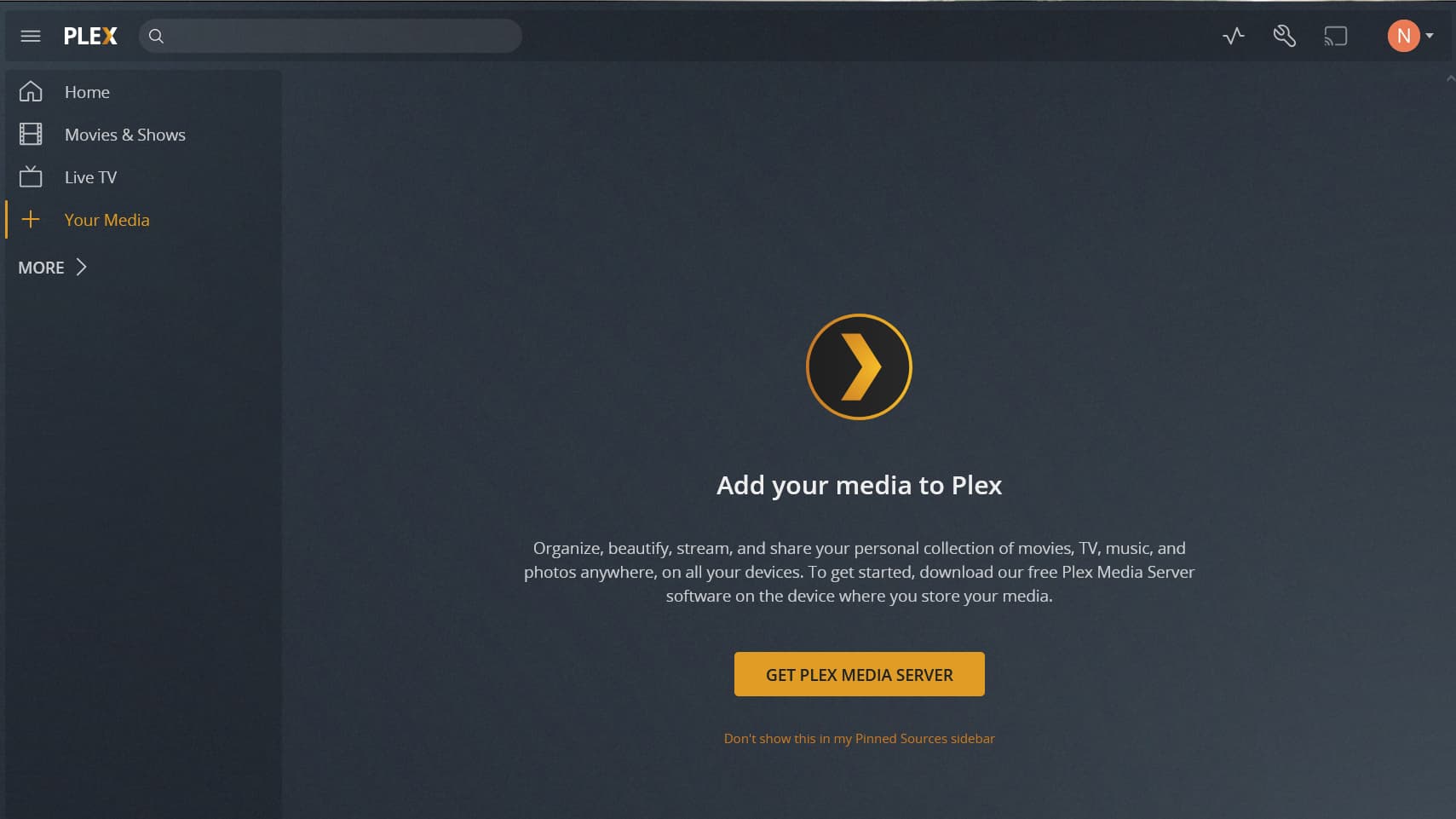
If you’re on DSM 7 (with the app downloaded from Plex.tv/downloads),
Uninstall the app again (KEEP option to save the data – that’s the default)
Install again using the “Plex Claim Token” option.
a. Click “Get Plex Claim Token” to get the token from plex.tv
b. Paste it into the window provided
Continue (NEXT) and let it install. It takes about 30 seconds longer than normal but will respond with your Plex username when it confirms it’s claimed for you.
Now Control-F5 to force reload the Plex/Web browser app .
You removed the shared folder --OR-- Is the Plex shared folder now empty with exception of “Migration.log” (refresh once if you don’t see it in there)?
If you installed the public version of PMS, your metadata was migrated to the hidden area. Bringing that back visible again is what I achieved in the PlexPass package update.
Reinstall same package – Plex Claim Token option
a. Click “Get Plex Claim token” to open a browser window for the key
b. Copy it
c. Return to GUI
d. paste into box
Click NEXT and proceed through the install. It will do the rest
It will confirm all is well when it shows “Claimed for: Your_username_here”
I have the same questions about PMS 1.24.2.4973 running under DSM 7 and the reintroduction of a shared folder for storing the Plex database (I understand this folder is now named PlexMediaServer).
I am currently running 1.24.1.4931 under DSM 7.0-41890 and everything is working OK (this earlier version does not have the PlexMediaServer folder – that is, the database is hidden from File Manager). I would really like to migrate to the newer version that has a PlexMediaServer folder so that I can easily backup by Plex database (I’m not good with SSH which is required for performing the backup in my current version). However, I’m hesitant to migrate because I don’t want to break my database – I have had to start over from scratch sooooo many times. I don’t want to do it again.
Bottom line: Anyone out there with experience migrating from 1.24.1.4931 running under DSM 7.0-41890 to PMS 1.24.2.4973 also running under DSM 7.0-41890? Did that upgrade work for you? Do you now see a PlexMediaServer folder in File Station? Did you need to grant any new permissions? Is your Plex database OK? Thanks for any reassurances here!
Maybe I’m missing something, but I can’t find any Release Notes for the various versions of Plex Media Server running under DSM 7. Is there a library of these Release Notes?
I’m currently running PMS 1.24.1.4931 running under DSM 7.0-41890. I would like to migrate to PMS 1.24.2.4973, but I would like to read the Release Notes first – and I’m interested in finding a library where I can go to see Release Notes of future versions. Thanks!
Thank you for this and your other reply. Worked like a charm. I’m now running 1.24.2.4973 and it’s performing great – plus I can see the PlexMediaServer folder.
Will follow this Plex rule: I won’t put any media files in that folder. Also I won’t modify it directly in any way – either manually or through 3rd party apps. It will only be modified by Plex when I make changes in my Plex web interface. I will periodically make a copy of it for backup purposes.
Hello,
I read all relevant topics on how to migrate to DSM 7 with Plex, but I’d like a confirmation on the steps.
Now I have Plex 1.23.5.4801 running on DSM 6.2.4-25556, all in the same volume and Plex folder as the share (Synology DS218+)
If I understood correctly, I should:
Uninstall existing Plex first.
Update DSM to latest 7 version
Install new Plex version 1.24.2.4973 for DSM 7 (which will fail, no Repair should be pressed)
Fix permissions for new user PlexMediaServer
Uninstall Plex that I installed before and failed.
Install again the same version 1.24.2.4973 (which will take time)
Have I missed something ? Are those last steps correct ?
Sorry I’m nervous on this, but I can’t have it fail somehow since I won’t have the time to fix it!
Thanks in advance!
Thanks for the reply @trumpy81
Of course all media folders will need their permissions fixed.
And I’ve already triple checked that the folder is indeed “Plex”
I hope it goes well.
I have a similar issue on my Xbox One X. I am able to access Plex via a web browser with no issues, but for some reason after updating to DSM 7 I cannot access my Plex libraries on my Xbox One X and don’t understand why. Even when entering the correct server details manually on my Xbox it does not seem possible to connect. Does anyone understand why this might be?