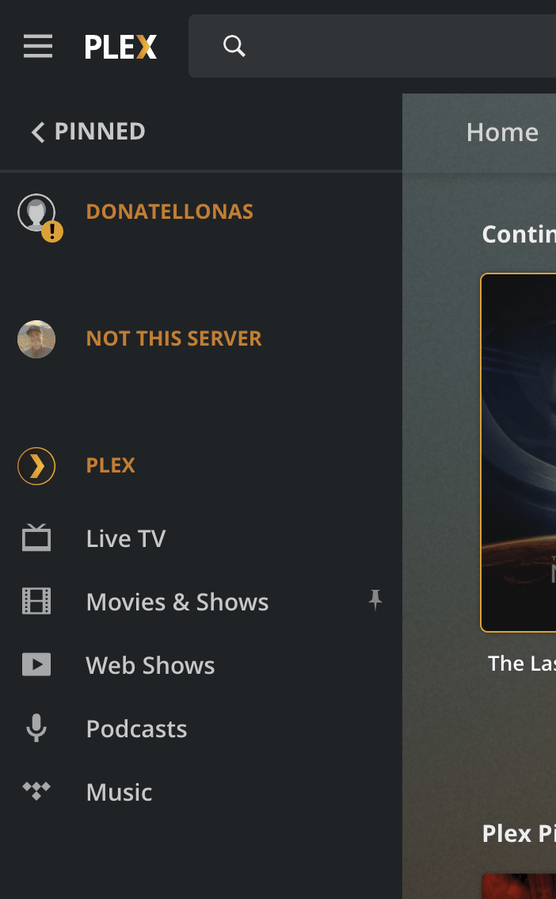
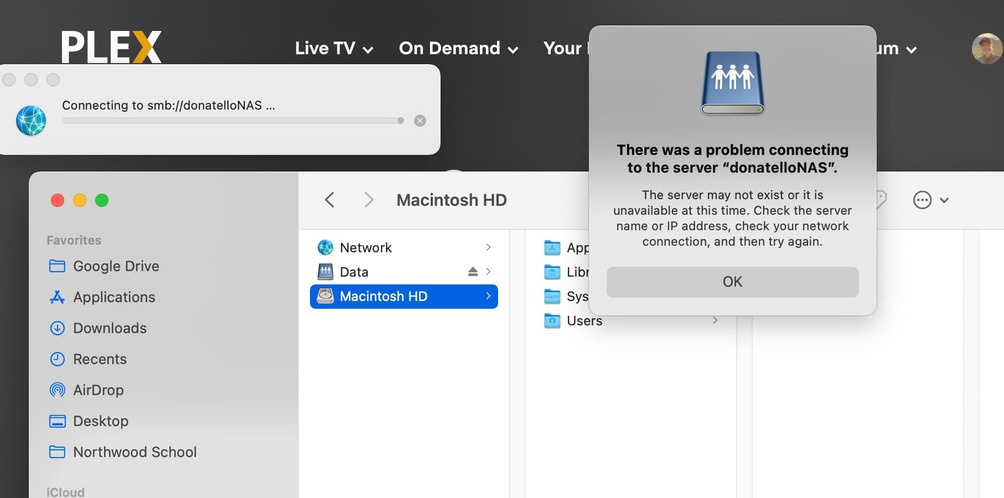
@ChuckPa My NAS is DS1019+. This morning, per instructions in the migration thread, I uninstalled Plex from my DSM 6, verified “Plex” share, and updated to DSM 7. Then changed the logout timeout and restarted DSM 7 again. After restart, I manually installed the downloaded “PlexMediaServer-1.24.5.5173-8dcc73a59-x86_64_DSM7.spk” package. Step 2 of the migration thread says that the install will fail on the first try. Mine did not fail. Within a matter of a few seconds it was done with the installation successful message. The PlexMediaServer user and share are there. The permissions look right to me. Nothing was migrated from my old “Plex” share. There is still 65 GB in there, and in the new “PlexMediaServer” share there is only 4 MB. Accessing the server at http://:32400/web/index.html presents a screen as if the server is being set up as brand new with nothing present in it as of yet.
There is no “Migration.log” file in the old Plex share at all. Please advise.
EDIT: I applied the Full Control permissions to the Plex share as in step 3 of the migration page. Uninstalled/reinstalled the package listed above, but same result - successful after a few seconds and no migration or log for it.
EDIT 2: I did an uninstall of PlexMediaServer using the erase option. Now changed both the Plex an the PlexMediaServer shares to have Full Control for the PlexMediaServer user (which was still there even after the erase). Manual install of the package again, and it appears to have removed Full Control but left read/write intact on the PlexMediaServer share. That’s probably expected. Now it is showing the spinning “Installing” screen for a long time. So, I assume it is doing something, but I still do not see a Migration.log file anywhere. Using ssh to the NAS, I see these processes on it:
root@ds1019:/volume1# ps -eaf | grep -i plex
root     15378 19753  0 09:54 pts/0    00:00:00 grep --color=auto -i plex
PlexMed+ 21180 20993  0 09:46 ?        00:00:00 /bin/sh /var/packages/PlexMediaServer/scripts/postinst
PlexMed+ 21183 21180  0 09:46 ?        00:00:00 /bin/sh /var/packages/PlexMediaServer/scripts/dsm7-file-moving
PlexMed+ 21202 21183  0 09:46 ?        00:00:00 find /volume1/Plex/Library/Application Support -maxdepth 5 -type d
PlexMed+ 21203 21183  7 09:46 ?        00:00:34 /bin/sh /var/packages/PlexMediaServer/scripts/dsm7-file-moving
but they don’t appear to be doing anything.
EDIT 3: Took a long time, but the Migration.log file has shown up in the Plex share. I am doing a Linux “tail -f” on it to monitor. So, will update this post with more info as necessary later.
EDIT 4: Except for the two “No such file” messages, it looks like I have a successful migration.
Plex Media Server migration to DSM 7 started:  Wed Nov 24 11:17:28 CST 2021
=== Wed Nov 24 11:17:28 CST 2021 === Start: Change ownership
chown: cannot dereference '/volume1/Plex/Library/Application Support/Plex Media Server/Metadata/Albums/5/d668d0ccd7f533966ce640eaf5bc4c888fa69ab.bundle/Contents/_combined/tracks/57dfeba6ab6837edb3ae5d3cd13d377966dec08c/lyrics/com.plexapp.agents.lyricfind_b32c8922c53192b83bf8327dda9788904dcb88bf': No such file or directory
=== Wed Nov 24 11:20:02 CST 2021 === Completed: Change ownership
=== Wed Nov 24 11:20:02 CST 2021 === Start: Convert symbolic links
ln: failed to create symbolic link '/volume1/Plex/Library/Application Support/Plex Media Server/Metadata/Albums/5/d668d0ccd7f533966ce640eaf5bc4c888fa69ab.bundle/Contents/_combined/tracks/57dfeba6ab6837edb3ae5d3cd13d377966dec08c/lyrics/com.plexapp.agents.lyricfind_b32c8922c53192b83bf8327dda9788904dcb88bf' -> '': No such file or directory
=== Wed Nov 24 12:14:11 CST 2021 === Completed:  Convert symbolic links
=== Wed Nov 24 12:14:11 CST 2021 === Start: Migrate Plex Media Server
=== Wed Nov 24 12:37:11 CST 2021 === Completed:  Migrate Plex Media Server
=== Wed Nov 24 12:37:11 CST 2021 === Completed:  Migrate Plex Media Server
=== Wed Nov 24 12:37:11 CST 2021 === Start: Clean /volume1/Plex
=== Wed Nov 24 12:37:21 CST 2021 === Completed: Clean /volume1/Plex
The server is up and running. I assume I can remove the Plex share and user now.