And, if there was absolute assurances it would remain that way forever I would switch to a manager user in a heartbeat. I can easily adjust the DB to alter my dashboard and played status but I’m not going to go through the effort to be told later it was all in vain !
Plex for Windows Version 1.56.2.3345-2a4c0924, Plex Web Version 4.93.3
I did log in again, same result, I have plex discover stuff disabled, this happens while using the new pinned WatchList, works fine on android, the library was re made a week ago, Scanner Plex Tv Series, Agent Plex TV Series.
stratos99, make sure to disable adult content in the Library/manage/advanced. This was impacting me. I don’t have any adult content, so it didn’t truly affect me, but I hate the idea that Plex is setting itself up to be a moral police. Them saying “we won’t let you have this nice feature if you are using our product with porn” is inexcusable. There are users who will have this type of content, but are now denied the ability to fully utilize the product if they want to maintain their adult content.
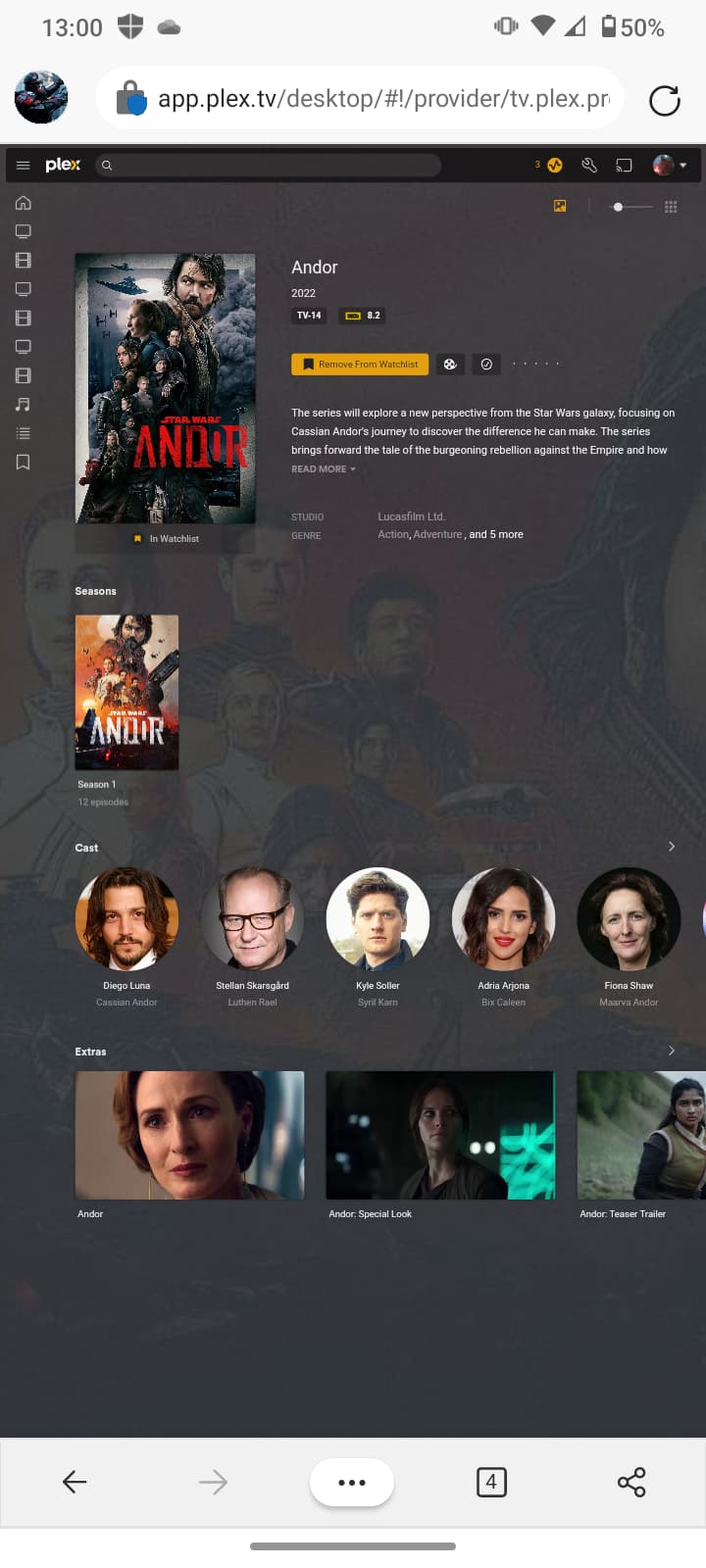
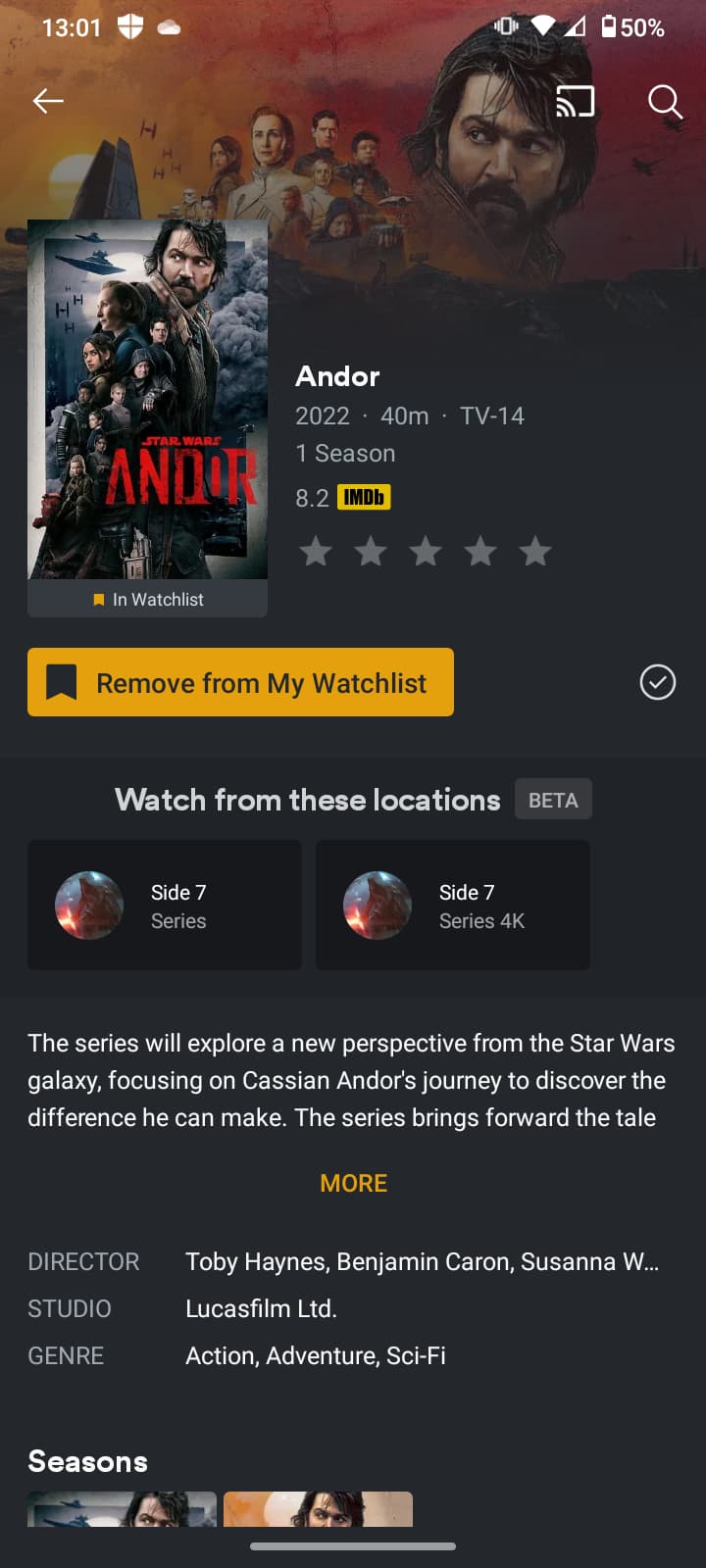
I just disabled adult content, scanned the library again and restarted the server, same problem, watch from these locations is not showing on Plex for Windows or the Web, it does show on android.
I restarted the windows app, logged in again on the web both on PC and mobile web browser, same result while using app.plex.tv on mobile
Working great on android tho
There appears to be some glitch in the Roku Watchlist update. When “Watchlist” is highlighted (underlined), movies in the watchlist that are in my personal library do not show my library as a source (i.e. “Watch from these locations”). TV Series, however, do show my library as a source (when that’s the case), as well as other sources. If you highlight “Recommended”, movies in the watchlist that are in my library do, however, show up as “available movies”.
On Windows, Mac and iPads, my library is shown as a source when “watchlist” is highlighted (underlined) for both movies and shows, as well as showing up as “available” under the recommended tab.
I saw you mentioned that you scanned your library but did not mention refreshing metadata. Can you navigate to that title on your PMS and refresh it’s metadata?
@stratos99 it looks like it is because you have the discover availabilities disabled. It should still be showing your servers there. Not sure why I could not reproduce before but I can now and and will make bug report
I did clean bundles, empty trash and then refreshed all metadata for the library that I’m testing just to be sure, watch on these locations is not showing (Plex for Windows, Plex Web), I did check on my account and a family member account to be sure, working great for both on android.
To confirm on your end; Enable this setting and Save, then Disable and Save. Without refreshing your browser navigate back the same Universal Details page you have in your picture. You should see your PMS there now. Refresh your browser and your PMS availability will disappear.
Enabled DISPLAY AVAILABILITIES FROM OTHER STREAMING SERVICES ON DETAIL PAGES, and it shows my server and streaming services while using the WatchList tab, works on the Web and Plex for Windows after enabling this setting.
Otherwise, the new cast page looks great and is a major step forward. However, feels like one step forward and two steps back for those of us who solely care about personal media and nothing else
@shawngraham Did you check you are not hitting any of the caveats listed in article linked in first post. There should be nothing special to do for any particular app.