60004 OTA, All episodes of Modern Family (on 7.1 and 32.1) are being marked as new and being recorded. Any many are shown as “in the future” episodes as well (the real latest new episode that played yesterday is S11E10)

Issue 1- Sorting:
College football sorts as, “Full Color Football: The History of the American Football League”
NHL Games Sort as, “Hockey: A People’s History”
College Basketball Sort as, “Kuroko’s Basketball” which is an anime basketball show or movie? Seriously?
Issue 2: Absolutely none of these games are broken out individually that occur on the same day.
So for 11/06/19, Notre Dame played North Carolina, while Pitt played Florida State for a total of 2 games that should be recorded.
Plex shows 1 episode of “Kuroko’s Basketball” with 3 files. 2 of which areNotre Dame vs North Carolina, and 1 of Pitt Florida. So it recorded Notre Dame and North Carolina twice ( a replay), but only Pitt Florida is watchable.
Channels involved:
829-ACC Network (ND vs North Carolina & Replay), 573 ESPNU (Pitt Florida State)
Issue 3: Replays
NHL Games are having same issue previously as MLB games where replays are marked as new on 576-ATTHD. Good example was 11/2 where it recorded the same game 3 times in one day.
Same occurs for College Football Games which recorded 3 times on 576 ATTHD (Pitt vs Georgia Tech).
Issue 4:
Selecting record all Notre Dame Events, or Pitt Events, or Insert College Name Here Events results in all of their sports. If all I want is football, I get basketball, volleyball, softball, random features like “Gymrats” on channel 570-ESPNHD this sunday 11/10 at 5PM ET. Anything that has notre dame or pitt or Insert College Name here on any channel.
Issue 5:
Formula 1 races have not recorded qualifying since 10.13, and consistently missed before that. Would show recording before airing, but fail to record as it confuses with Free Practice 3 which occurs slightly earlier the same day (typically), thus doesn’t overwrite as it thinks it already recorded.
Channels- ESPN, ESPN2, ESPNNEWS, ABC
Issue 6:
MLB events, like “Inside Pirates Baseball” 576 ATTHD now recording since “Record New Pirates Events” was marked, when obviously I don’t want fluff pieces about the pirates long after season has been over and only wanted to record games.
For issue 5, the only reason it recorded qualifying properly is because FP3 was cancelled due to rain. So the first “instance” or recording was qualifying, so it properly recorded.
This, with all due respect, is a massive step backwards from a year ago. I appreciate all of your individual help, though.
I posted in other threads relating to sport events - this:
Update:
A Plex Media Server change will be released soon where recorded sports events will no longer try to match thetvdb at the end of recording. The action will be similar to having a separate library with the Personal Media agent. It is expected to also apply to News.
The change will also fix the issue of recording multiple different games on the same day.
I expect this fix to go through alpha internal testing over the next week or so before making its way into the release cycle. I cannot say when it will finally get released
This should address issues 1 and 2 on your list
There is a possibility that issue 5 may be due to some changes in internal identifiers following the 17th October maintenance where we changed how data is processed and the scheduled recordings would need to be cancelled and recreated if the identifiers changed
With regards to replays - I have looked into one example of these and the issue is because we are handling airings flagged as “taped” as new - this is because taped may also mean semi live and broadcast with a short delay = I have this raised with our team to look into it
Having the same issue with Modern Family late night reruns on NYC OTA 5.1 all being flagged as NEW and episode mismatches. Many of the episode details for what is being recorded are for dates in the future.
Doc Martin 21:00 BBC1 HD Wednesday 13 November is impossible to record.
I have tried deleting the EPG recording entry. Entering it again. Tried record all episodes not just New.
It simply will not set to record and I cannot think of any other way of recording it.
Doc Martin on ITV?
Do you have any other episodes of it in your library?
In my EPG tomorrows episode is wrongly labelled as S9 E1, where it should be S9 E8, If a previous week was wrongly down as E1 also, tomorrows will look like a duplicate and get ignored
Not sure who the thumbnail is for this episode, but it aint Doc Martin
I have previously managed to record series successfully. However, I have occasionally had to delete the recording entry and re-add it.
However, this week nothing will set it to record.
Depends whether you have any previous entries in your library
If you already have a S9 E1 in your library, then it doesnt matter how many times you try to setup the recording, it wont do it
Plex EPG has this episode labelled wrongly
Update:
Plex Media Server 1.18.2.2029 has just been released as beta
It has the changes for sports and news which led to incorrect matching of recordings. The changes also fix the issue when recording multiple sports games on the same day
- (DVR) Preserve EPG metadata when assimilating Sports and News recordings. (#10544)
Sports and News recordings will no longer get matched with tvdb and will preserve the EPG data
I’m hesitant to upgrade anymore with the array of changes/bugs/issues that have crept in lately. I see you didn’t even fix the duplicate sports issue by just not marking replays as new and instead stuffed in some other kludgy fix…
With that said in addition to sports and news your over zealous metadata agent cannot handle “specials”. They are all matched to nonsense and then throw away the correct metadata. I have this happen with random “new airings” on cartoon network. There is no tvdb entry for these when they have never aired and in addition they might never have tvdb entries. If you can’t make a match then the original data should not just be discarded willy nilly. This did not used to happen, now it does for every single recording that does not match. It pollutes my library with items that I have no idea what they are unless i look at the actual filename.
Unfortunately for me this made things worse …  . If I use the Enhanced Guide, theTVDB is still overriding (with an incorrect match). If I disable the Enhanced Guide (which was my fix) … then the image / poster is gone altogether. Help!!!
Thanks.
We are looking into an issue where some images/posters were lost - that may be your issue. Could you tell me, lineup name, channel number, channel name, airing time + timezone, event being recorded
Sure, NP! Let me know if this is what you’re after,
Lineup name: Frontier TV Keller Digital
Channel number: 593
Channel name: GOLFHD
Airing time: 12-4 pm (CST, GMT-6), Thu Nov 14
Event being recorded: PGA Tour Golf
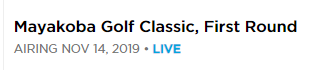
And BTW, an item related to this (event) that I have tried to highlight / report, but it may have gotten lost in the shuffle. The “old” EPG used to show this event (as an example), as
Mayakoba Golf Classic, First Round
Just like Zap2It does. Now though, the new EPG shows only,
Mayakoba Golf Classic
I know, this seems like a very minor thing, but … in this case (and pretty much every weekend) there are four rounds. When recorded with the new naming, they all have exactly the same name, and when sync’d to a device (iOS phone, for example) … the show up exactly the same. Makes it just a bit difficult to use them, can’t tell which is which when removing a show from the Sync menu.
Thanks!!!
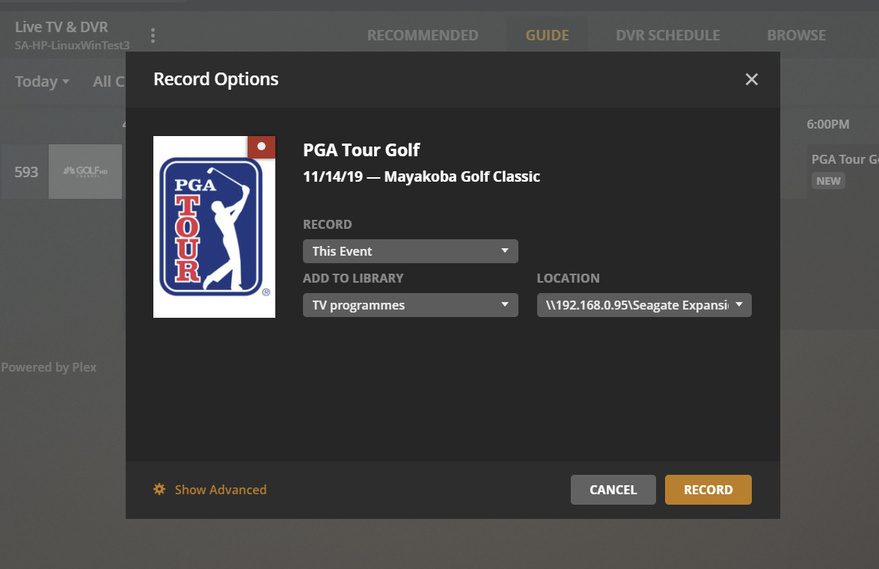

Hmmm. I had refreshed earlier, just did it again, but here is what I get,

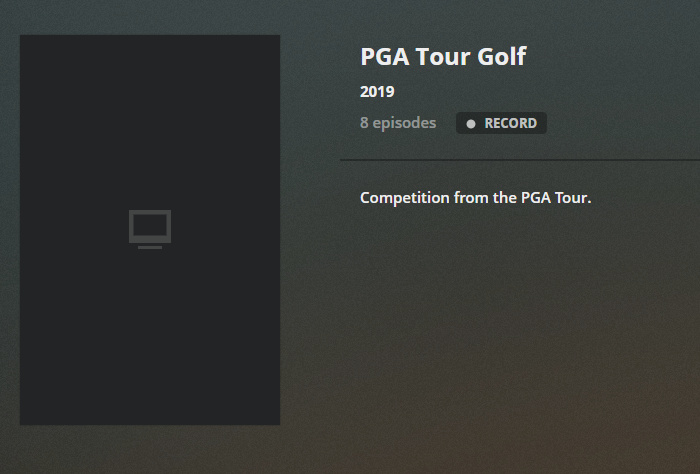
That’s not to say I’m not doing something stupid, I just don’t know what it is … . I’m open to suggestions! And FYI, I have two machines connected to this tuner, one on Linux, the other on Windows (for debugging). They both show the same thing (was thinking perhaps it was server OS dependent). Just tried opening a new browser window also, just in case it was caching somehow - but still nope. I also checked shows up and down a few channels, some are OK, but quite a few are just like this (“blank”). I’m willing to try things, by all means throw out ideas.
Did you change something on your side? It could be that it just takes a while to be accessible (replicated?), so I then get it?
On the naming, that would be greatly appreciated! Here is how these look on Zap2It, for example (and used to on the EPG also) - just picked out a few to try to illustrate. Just yell if you have questions. Thanks so much!


Lets get logs if still wrong. So first ensure debug logging enabled. See
https://support.plex.tv/articles/201643703-reporting-issues-with-plex-media-server/
Then go through server settings / Live TV & DVR and click on “Refresh Guide” again and wait for it to get to the end of refresh then close browser, start a new browser session and locate the event and see if you get a poster displayed
if still wrong. take a screenshot and capture the logs and attach the logs zip with the screenshot
https://support.plex.tv/articles/200250417-plex-media-server-log-files/
Thanks - I have referred the request to our provider
OK, this is going to seem very screwy, and like I’m losing my mind (which is entirely possible …  ), but … I went in an hour or so ago, refreshed again, waited for it to complete, then checked. Still blank.
Got sidetracked (dang work!), just went back to start the logs, but before I did I checked one last time … and now it’s right. What the heck!!! I can’t explain the long lag, but perhaps I was being too impatient? That said, overnight was a long time … LOL.
FYI, I still have the Enhanced Guide disabled. Do I need to keep it that way, or do you want me to try enabling that again? Willing to do whatever I can to help debug this.
In any case, thanks!
Thanks!!!
