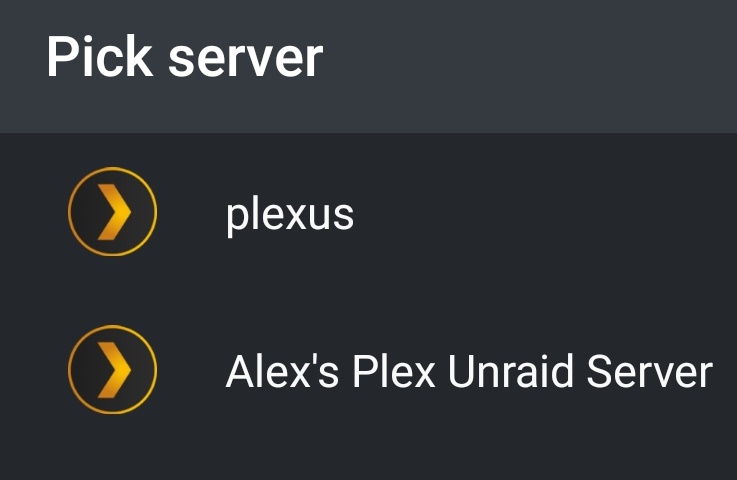
Which is my old server still not my new one and one that is being shared with me. This is weird because it seems to work on my phone 50% of the time.
Edit: this is nuts. I uninstalled my app reinstalled it and I saw the correct server listed in the server list. Clicked it and hit continue and it loaded me into the old one.
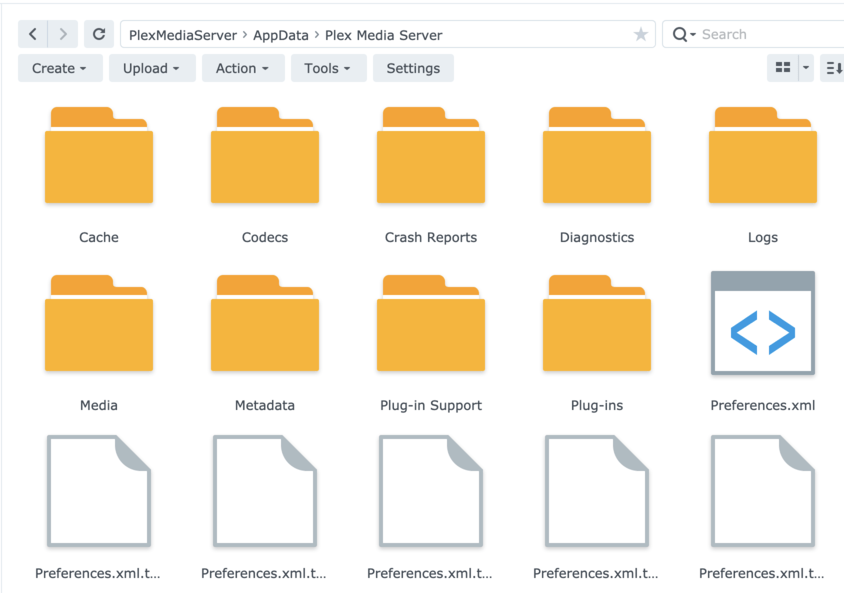
I do not see Friendly Name as an option in the Preferences.xml file. I see a lot of other info in there that seems to fit my server preferences but not the name.
thanks…let it run overnight and that seemed to fix the install…now I need to figure out why it won’t see my media…(and yup the permissions on that shared folder are (Plex media server/ read write)
I might have missed that somewhere else, but how come the “Plex Share” is back with version 1.24.2.4973 of the server on my Synology NAS (DS420+), now being called “PlexMediaServer”?
What’s the story behind and are there any specific instructions to be followed?
I can confirm that the installation of this version took rather long, so a bit of patience is needed, for sure … … so far working alright, yet, the sonic analysis takes extremely looong … can’t wait to harvest the fruit of the analysis …
I uninstalled the latest one & tried .4931 on a fresh install - same situation. Updating in place didn’t change it either.
Let me know if you’d want me to do anything about it - like testing another build.
(My install is pretty much ok with the manual DB copying. I do get some wonky file detection - missing files - but that’s probably unrelated).
If nothing in PlexMediaServer directory
   if nothing in  @apphome directory
      If  valid Plex installation in the Plex shared folder
         Migrate Plex -> PlexMediaserver
      endif
   else
      Move @apphome -> PlexMediaServer
   endif
endif
Notice, it will not overwrite anything existing.
What do you actually have please?
So I’ve got a Plex shared folder as well as a Plex Media Server shared folder on the same volume on my Synology NAS DS918+ (DSM 7). There should only be a Plex Media Server folder at this point right?
Edit: this is after upgrading to DSM 7 and installing the compatible PMS
Gotcha, I followed your guide to install the new PMS version on DSM 7 (very helpful!) but I must have missed your release notes. I will check those out, I apologize if my question was already answered there.
I’m still having issues getting a direct connection to Plex when trying to access remotely even though in the Plex settings it says it should be Fully accessible. Have you seen or heard of this problem with DSM 7? It was working fine on DSM 6… I have another THREAD if you have any thoughts on that.
There are issues with DSM 7 but, when it comes to Remote Access, the issues I’ve seen are almost exclusively confined to firewalls and UPnP / NAT-PMP port mapping failures in the modem/router. (I have a pfsense and have several servers fully accessible )
Having read your other post, first thought – Firewall (open 32400/tcp up)


 … so far working alright, yet, the sonic analysis takes extremely looong … can’t wait to harvest the fruit of the analysis …
  .
. science.
