I mean. That screenshot is the top directory. There is no migration.log - Not even when I do a search for it.

So here is why I don’t see it Im guessing. When giving PlexMediaServer privileges, I only gave read/write to the media folder. I haven’t given it any privileges to the Plex share yet. So Im guessing migration may not have even started?
That’s what this is starting to look like… I agree
That being where we’re at:
-
Uninstall the current DSM 7 package with the ERASE (red) option
– this will purge the current (junk) installation in the PlexMediaServer directory -
BEFORE installing the package again, make certain we give System Internal User “PlexMediaServer” Full Controll (important) of everything in the Plex shared folder.
Here’s the FAQ about manual migration
You want Scenario 2
Of critical importance is the “Apply to this folder, sub-folders, and files” checkbox when you grant PlexMediaServer FULL CONTROL of the shared folder.
Let me know if you have questions.
Thank you. Now it’s taking its time with the install, and I see the migration.log has been created.
I guess tomorrow Ill know if this has worked or not.
Thanks again for all your assistance!
edit: the whole thing took about two minutes. I thought this was gonna take forever! Back up and running already! Love it! You’re the best!
1 Like
Hi, my name is Silvio and I was reading your answers about plex errors with dsm7 synology, I have 220+ and I’m having a server problem, now in the various attempts I’ve made between uninstalling and reinstalling plex I no longer have the my folders with movies, even if they are all present in my nas
hope you can help me
Which version of DSM ? 6 or 7 ?
Did you previously have DSM 6 installed on it?
Do you have a ‘Plex’ shared folder with ‘Library / Application Support / Plex Media Server’ in it?
If you don’t have any “Plex” shared folder then let’s do this (reclaim the server using the Plex Claim Token) installation steps
You see me with my name, now also created a new account to try to solve but nothing! ex(bri586)
I always had dsm 7, since november 2022, i updated a few days ago to 7.1.1. update 4 and from there it started not working anymore! I always get a server not connecting error
I factory reset the nas and reinstalled DSM 7.1.1 update 4 but the problem is still there!
I tried to install plex for windows10, everything works fine
I can’t figure it out, hope you can help me
I followed this guide, but this username you give me no longer exists, I deleted it to create a new one!
Keep looking for this server
Hello, first post and I’m sure I dont know what I’m doing and confused. I have a Synology D220+ which I have used only occasionally for a few years and it always “just worked”. About to become a heavier user so decided to upgrade and clean up. At the prompt, I upgraded DSM to 7.1.1-42692, Update 4. Checked Plex and it wasnt working so I upgraded to the latest version in Package Centre. Still NG. So I read that 1.29.2.6364-7000 is not compatible with DSM 7. So I went to the Plex downoads site to download the latest release for my NAS (checcked I had the right one) and did a manual install - now shows as 1.31.3.6819-7000 . And of course still not accessible. Actual error message is “XXXXPlex-NAS” is unreachable. I have been reading about all the issues with that migration (I should have read first and wouldnt have touched it.) Now I want to just get back to watching my media locally and remotely. I dont know if I can roll everything back or fix the installation I have or clear everything out (except media) and start again. Would appreciate advice and pointers to instructions for whichever is easiest. I don’t have any add-ons or anything unusual as far as I know. Help would be appreciated. But I know you are busy, so no rush and I’m happy to read and folow written instructions once I know I’m on the right track.
1 Like
That’s just silly wrong and here’s why; The package version ‘-7000’ sets the minimum DSM version. Synology instructed us to use this designation to keep our DSM 6 and DSM 7 packages clearly identifiable.
Would you please go back to wherever you saw that and have them reach out to me? (I’m the engineer responsible for PMS on Synology)
Therefore:
- 1.29.2.6364-6000 is DSM 6.0.0 update 0
- 1.29.2.6364-7000 is DSM 7.0.0 update 0
It is true you cannot put a DSM 6 package on a DSM 7 host because Synology completely changed how packages are structured & controlled in DSM 7/
When moving to DSM 7, because of the complete internal change, PMS on Synology also had a radical change.
- The Plex shared folder isn’t used. We had to ‘migrate’ to the PlexMediaServer shared folder
- The username was forced to be changed to PlexMediaServer
- The installer no longer has the privileges to do anything automatically for you.
My first questions are:
-
Do you have a Plex shared folder with Library / Application Support / Plex Media Server ?
-
If so, do you want to upgrade all that to DSM 7 ? (I presume you do but want to ask)
1 Like
hello, I had the same problem, I thought I could solve it and I formatted my ds220+ with DSM 7 but I didn’t solve, anything and now I no longer have any plex media server folder
If you completely reformatted the volume,
You’re starting over from scratch
You will need to install the package again and setup the server from the beginning by opening the Syno http://ip.addr.of.syno:32400/web in an incognito window (first time only) to get it initialized
1 Like
Hello, i tried with chrome incognito, but the page remains empty
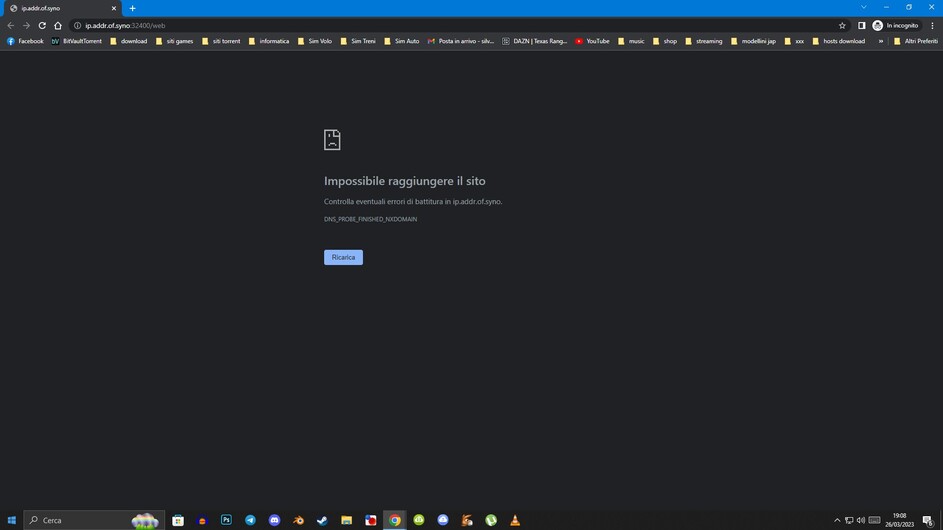
Synology Assistant sees him regularly

Use the actual IP address of the NAS: http://192.168.1.113:32400/web
2 Likes
Thanks, i tried again but the result is the same,
i also tried with the edge browser but it doesn’t work
I would like to understand so as not to disturb you friends who help us every day, if there is a tutorial, starting from new in configuring synology ds220+ DSM 7 just reinstalled and installing the plex media server 1.31.2.6810-a607d384f package to configure from the beginning
This is probably more than you want but it shows you how it all works on DSM 7
and, from our experience, two good ways to organize your media.
1 Like
Thanks for the response. I will try to find that advice. To answer your questions, here is a snip of my folders/files: (not sure if this works…)

It would be good to stay with DSM 7 since presumably I have to upgrade at some time, but will revert to DSM 6 is that’s easier from where I am now and with my limited knowledge.
