I have curated my music in iTunes for many years and it’s been solid and dependable. I moved to Plex/Plexamp recently and I’m delighted with the experience. My workflow is still the same, I add new tacks in iTunes and see Plex update in real time as expected.
Here’s the thing, I have a bunch of regular and smart playlists in my iTunes library and when I try to update them in Plex (by using Import from iTunes… from the Playlist Actions button and checking overwrite existing playlists) I inevitably get the error “something went wrong”. However, the playlists will slowly update but it will take a few minutes. The strange thing is that playlists will appear that I created weeks ago and had since deleted. It’s as if Plex is updating iTunes playlists to a random point in the past not the current state. It’s very strange behaviour!
I’ve tried to use Plex to create the same playlists but it’s a painful experience since the options are so different from iTunes.
Can anyone explain what’s happening or suggest a more reliable way to introduce/update playlists. I am completely baffled!
(First time poster using Mac OS)
This is likely the issue. Plex cannot recreate the Playlist so you are getting unexpected results. I thought plex stopped trying to recreate smart playlists from iTunes, guess not. This has always been an issue.
No problem. I was being a bit precious with my playlists. Plexamp has some great radios and random features, combined with great guest DJs making for a real adventure. Gonna start living life on the edge from now on!!!
What criteria / filter options are you missing to replicate those smart playlists from iTunes in Plex?
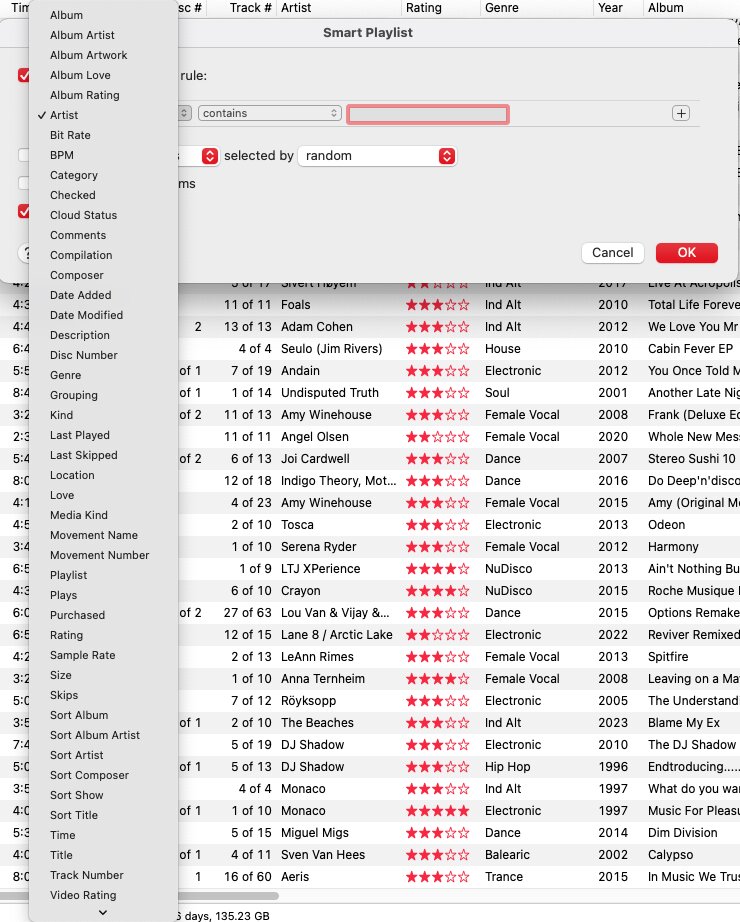
I take it you won’t be able to filter your Plex library based on if a song was purchased from iTunes or not 
As for “not intuitive” – I tend to disagree.
Personally I find the Apple Music / iTunes filtering clunky as all attributes are dumped on you alphabetically while Plex (especially Plexamp) group them for the various tiers of a song (artist / album / track).
That being said and given your screenshot isn’t answering what you’re trying to filter which you can’t do in Plex Web or Plexamp.
Artist
| Plexamp | iTunes |
|---|---|
  Name Name |
Album Artist Artist |
| – | Sort Album Artist Sort Artist |
 Genre Genre |
– |
| Style |
– |
| Collection |
– |
 Country Country |
– |
 Rating Rating |
– |
 Added Added |
– |
| Last Played |
– |
 Plays Plays |
– |
Album
| Plexamp | iTunes |
|---|---|
| Name |
Album |
| – | Sort Album |
| Genre |
– |
| Style |
– |
| Mood |
– |
| Format |
– |
| Type |
– (a subset of this is reflected in iTunes’ Compilation flag) |
| Date Released |
– |
| Year Released |
Year |
| Decade Released |
– |
| Last Played |
– |
| Plays |
– |
 Record Label Record Label |
– |
| Critic Rating |
– |
| Rating |
Album Rating |
| Collection |
– |
| Added |
– |
| – [1] | Album Artwork (yes/no) |
Track
| Plexamp | iTunes |
|---|---|
| Name |
Title |
| Last Played |
Last Played |
| Last Skipped |
Last Skipped |
| Plays |
Plays |
| Skips |
Skips |
| Rating |
Rating |
| Rated |
– |
| Added |
Date Added |
| – [2] | Date Modified |
| Genre |
Genre |
| Mood |
– |
| – | Category |
| Collection |
– |
| – [3] | Playlist |
 Duration Duration |
Time |
 Bitrate Bitrate |
Bit Rate |
| – [4][5] | BPM |
| Codec |
– |
| – [6] | Sample Rate |
| Popularity |
– |
| – | Comments |
| – [7] | Disc Number Track Number |
| – [8] | Size |
Some iTunes specific stuff
There’s a few filter options specific to iTunes based on how iTunes manages media.
Album Favorite / Suggest Lessand [Track]Favorite / Suggest LessCloud StatusPurchasedMedia Kindis implied in Plex as you’re dealing with media of a particular libraryVideo Rating,Sort ShowandDescriptionapply to other media typesGrouping– seems to be a free-text field in iTunes; probably matches Plex’sLabelwhich can only be filtered in the web app.
Open Features in Plex/Plexamp
Plex currently has no concept of…
Checkeditems [9][10]Composer(therefore also no ´Sort Composer`)Movement(Name,Number), andWork
Plex supports filtering by library folders in the web app, but has no concept of filtering by the exact path of a file (Location)
Feature Suggestion: Custom filter for missing artwork ↩︎
Feature Suggestion: Filter by file date ↩︎
Feature Suggestion: Playlist Presence Filtering ↩︎
Feature Suggestion: BPM Metadata ↩︎
Feature Suggestion: Automatic detection + playlist creation ↩︎
Feature Suggestion: Filter by Sample Rate and Bit Depth ↩︎
Feature Suggestion: Filter Music by Track Numbers ↩︎
Feature Suggestion: Filtering by Audio and File Size ↩︎
Feature Suggestion: Ability to exclude media from Shuffle Modes ↩︎
Feature Suggestion: Option to toggle to always skip songs ↩︎
Thanks for the input, it’s very thorough.
For years I’ve been using the composer tag in iTunes to add my own moods/style for every track. I have about 25 smart playlists based on these styles and it works great for me in iTunes. I was trying to mimic this in Plexamp.
Incidentally, the styles I use are not based on genres but on “mood” images. Sounds odd but I find it easier to visualize music this way.
Example playlists (imported from iTunes)
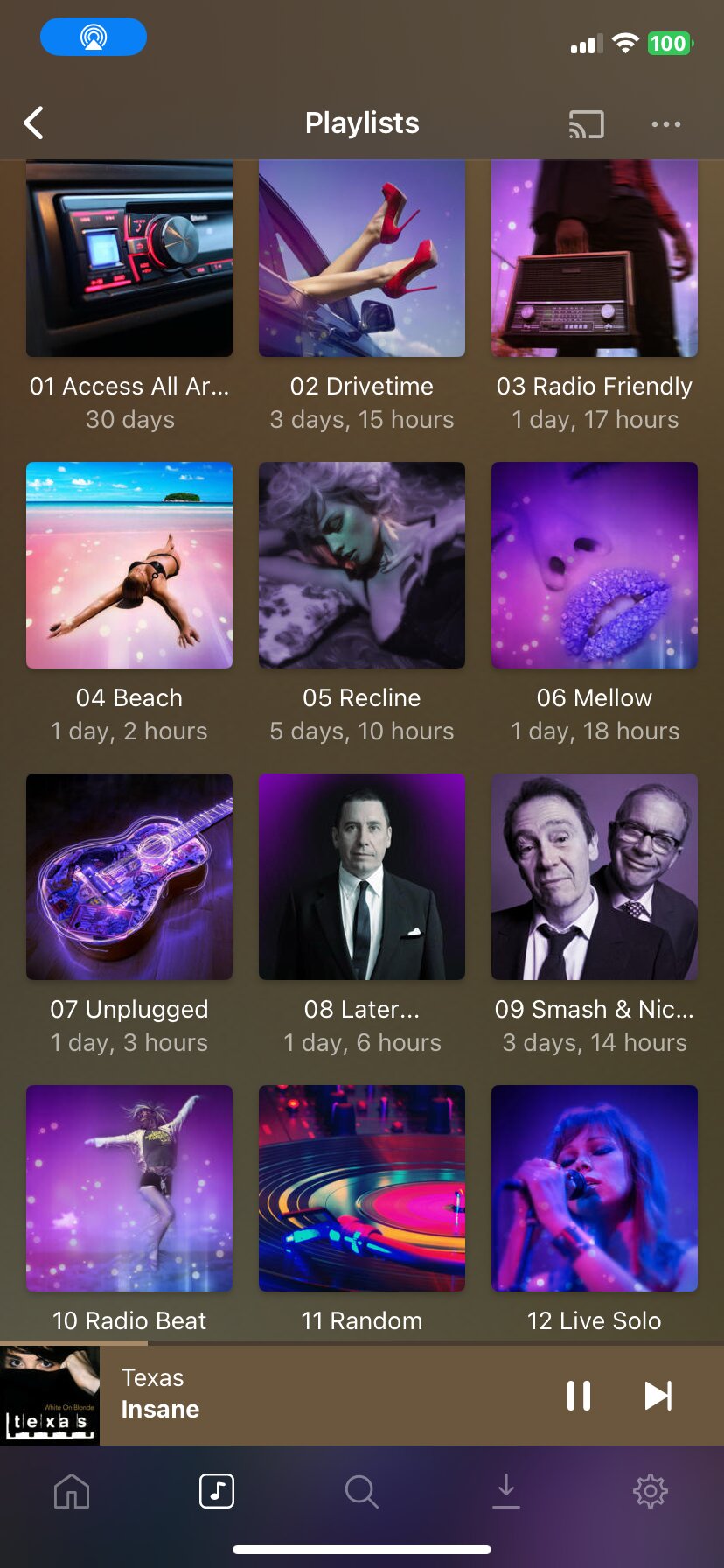
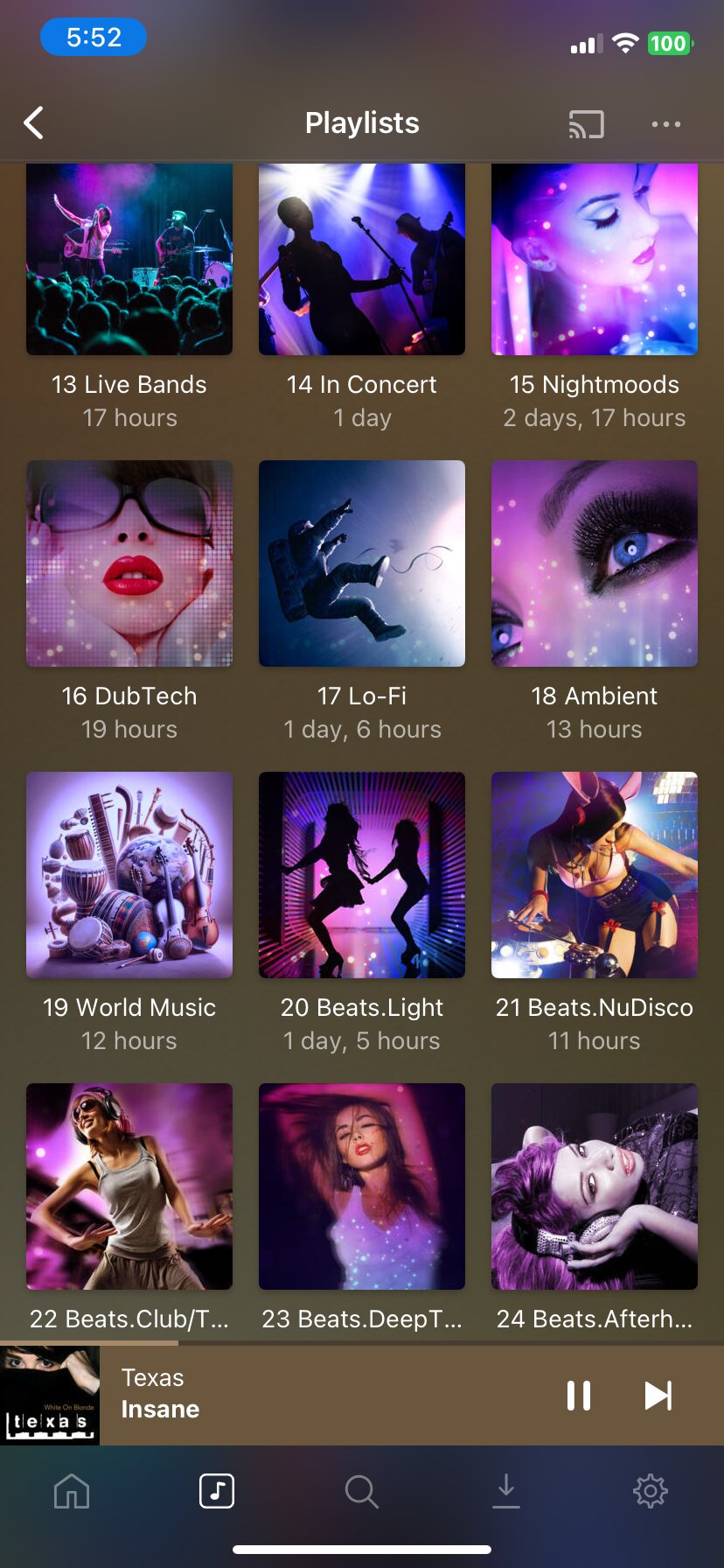
So basically, you used a metadata attribute in iTunes for a different purpose.
This attribute is however not supported / available in Plex. Hence you can’t filter for your custom moods.
There’s a number of feature suggestions with regards to Plex supporting that particular attribute [1][2] – that being said, not sure if it’ll help you as you’re not using it for the composer but to reflect some custom categorization.
If you don’t care for the Mood/Style information in Plex, you could try to transfer your custom Composer values to one of those. I don’t have a tool at hand, but I’m sure there’s some scripts that’ll do that.
Feature Suggestion: Filter by Composer ↩︎
Feature Suggestion: Wider native support for embedded metadata ↩︎
Many thanks for the input. I’ll have a go at using one of the Plex mood or style categories Nd try to bend it to my will. Hopefully I can find a way of batch processing this. I think there is an app that can help me do this. 
