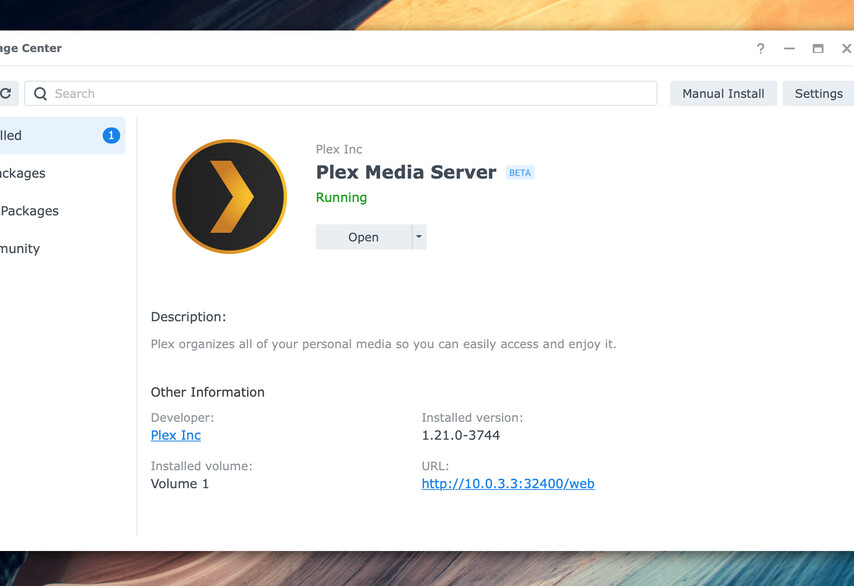
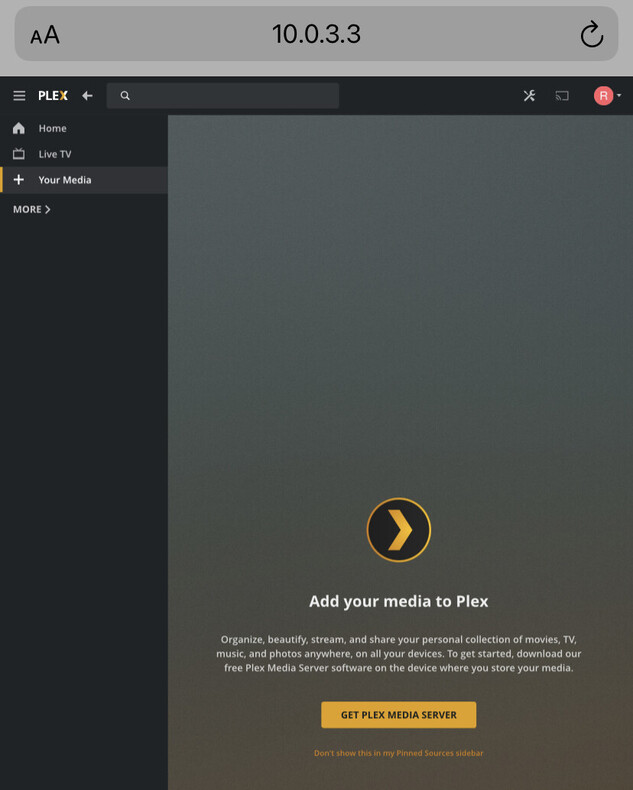
Plex Media Server - Synology DSM 7 Preview - Issues ( Archive )

You cannot add your server to your account using a FQDN (Fully Qualified Domain Name) as you show in the URL.

You must use the LAN IP address only.

The FQDN resolves to be a public IP. Plex security blocks claiming from Public IP addresses

After claimed, you may again use the full domain name.

ok, but error is still is
how I can add server?

I must apologize.

I do not have a Cyrillic keyboard and I have not used Russian in more than 30 years.

Would you please translate to English for me?

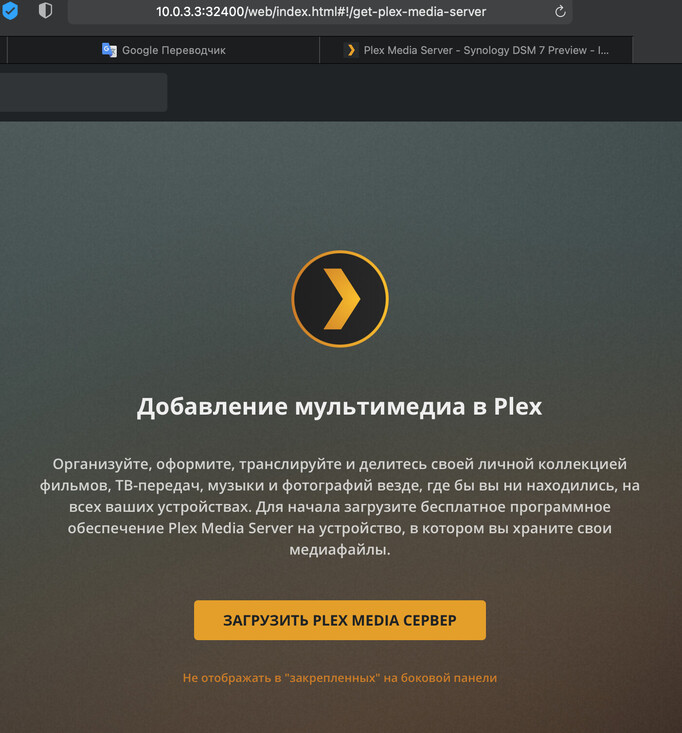
I think it is telling you to install a server (because it cannot find one) ??

If this is true, what IP address are you using to connect to the Synology?

Are you using 10.0.3.x on your computer ?

after successful migration on my DS918+, can i simply delete the old “plex” share or is there anything to be careful about? thanks, you guys are doing an incredible job

1 Like

Yes, Plex offers to download the server
Снимок экрана 2020-12-09 в 07.34.51
NAS

and all link to server
http://10.0.3.3:32400/web/index.html#!/setup/d9aa0646626e9a7d5ebde59d0c20c997717bcf10

I skimmed to both threads and articles. Are there packages for the DS214play? (supported by DSM7, but it is intel 32bit, not 64bit)

Skimming the posts is not conducive to success.

This is a detailed migration process if one wishes to maintain the established Plex server.

All available packages, had one read thoroughly as requested, can be found at the bottom of the information post.

Additional information

And, yes, I’m using 10.0.3.3:32400 to connect

@SkySpirit

============
What is the IP address of your computer?

Is it on the same subnet as the NAS ? ( 10.0.3.? )

If it is not, then you will not be able to setup the computer.

It looks like your browser is wanting the server by name.
It will not find it yet.

  1. open http://app.plex.tv
  2. Go to Settings - Authorized Devices - Servers ( dropdown )
  3. Find the name of your server and “X” ( remove it )
  4. Sign out of Plex web browser (upper right corner avatar )
  5. Now open http://10.0.3.3
  6. If the server is ready, (installed and running) , it will want you to sign-in and claim it.
  7. Do this.

Please let me know if you have success.

633 / 5000
Translation results
Какой IP-адрес у вашего компьютера?

Он находится в той же подсети, что и NAS? (10.0.3.?)

В противном случае вы не сможете настроить компьютер.

Похоже, вашему браузеру нужен сервер по имени.
Пока не найдет.

  1. откройте http://app.plex.tv
  2. Зайдите в Настройки - Авторизованные устройства - Серверы (раскрывающийся список).
  3. Найдите имя вашего сервера и “X” (удалите его)
  4. Выйдите из веб-браузера Plex (аватар в правом верхнем углу).
  5. Теперь откройте http://10.0.3.3.
  6. Если сервер готов (установлен и запущен), он попросит вас войти в систему и потребовать его.
  7. Сделайте это.

Пожалуйста, дайте мне знать, если у вас все получится.

@ChuckPa I did not mean to offend, just wondering if there was a Intel32bit package that might have been forgotten. There is none, so I wont try the DSM7beta yet.

Thank you for all your effort and hard work. Plex is one of the must used services, and therefore I have a premium account.

if I load the spk PlexMediaServer-1.21.0.3744-d87012962-x86_64_DSM7, on my 716 II, I get the attached error.
Clearly it is not resolved by exiting and returning!

where am i wrong?
Immagine 2020-12-09 092036|690x461

Thanks you with all your help it’s works perfectly !!!

I succeeded. I can access it normally in the LAN. However, there is a question that it doesn’t seem like it used to be. I use a secure link to access it externally, and the page tells me it’s wrong.

Hello
I have just upgraded to DSM 7 and I tried to reinstall plex, as I have a DS916+ I chose the file :
ARMv7 (x15 Series (excluding DS115j and RS815), x16 Series (excluding DS216se), x17 Series, x18 Series, x19 Series, and DS414j) » but I get:
This package is not supported on the DIskStation platform or is incompatible with the current version of DSM
my DSDM version is (DSM 7.0-41222)
My question, is this plex version compatible with a DS916+?

Daniel

1 Like

Hi, do you plan to provide updates for PMS for DSM 7.0 or are we stuck with version 1.21.0.3744 ?
Thanks for your answer.

@mata1977

If you sit in the Package Center app too long, it will do that.
Close Package Center . Open it again. Now install. I think this is an issue with DSM 7 beta itself. It happens to me too

@lllzacg
Can’t help with FireFox browser issues – try a different browsr.

@Titanium31
DS916+ is an X86_64 machine, It is not ARMv7. x64 (Pentium N3710) 1.6GHz
@jchortala
Yes, I will be providing updates.

1 Like

OK, thanks,
FYI PMS 1.21.1.3759 has been released today :wink:

Please note my statement in the Preview announcement thread ?

PLUS

Need :coffee: :coffee: :coffee: :slight_smile:

i did so but i always get the same error

@mata1977

Restart DSM . If it’s complaining about not auth then

  1. It challenges which username you’re using
  2. It’s timing out (what I see)
  3. There is something else in DSM 7 blocking.

I opt for restarting it :slight_smile: